
Settings : Manage Notification Preferences
Here's how to control which channels reach you about activity on your account.
Step 1 — Open Settings → My Notifications
You get Email and SMS checkboxes for each of eight platform notification categories (Scheduling, Jobs & Services, Blocks & Bids, Reviews, Billing & Financial, Account, Messages, and Support) plus marketing categories.
Step 2 — Set channels per category
Every platform notification category needs at least one channel turned on. When you uncheck one, the other locks so you can't turn both off. These categories carry things you can't afford to miss, like a bid award with a 48-hour acceptance window.
The marketing categories have no such rule as you can turn those notifications off completely.
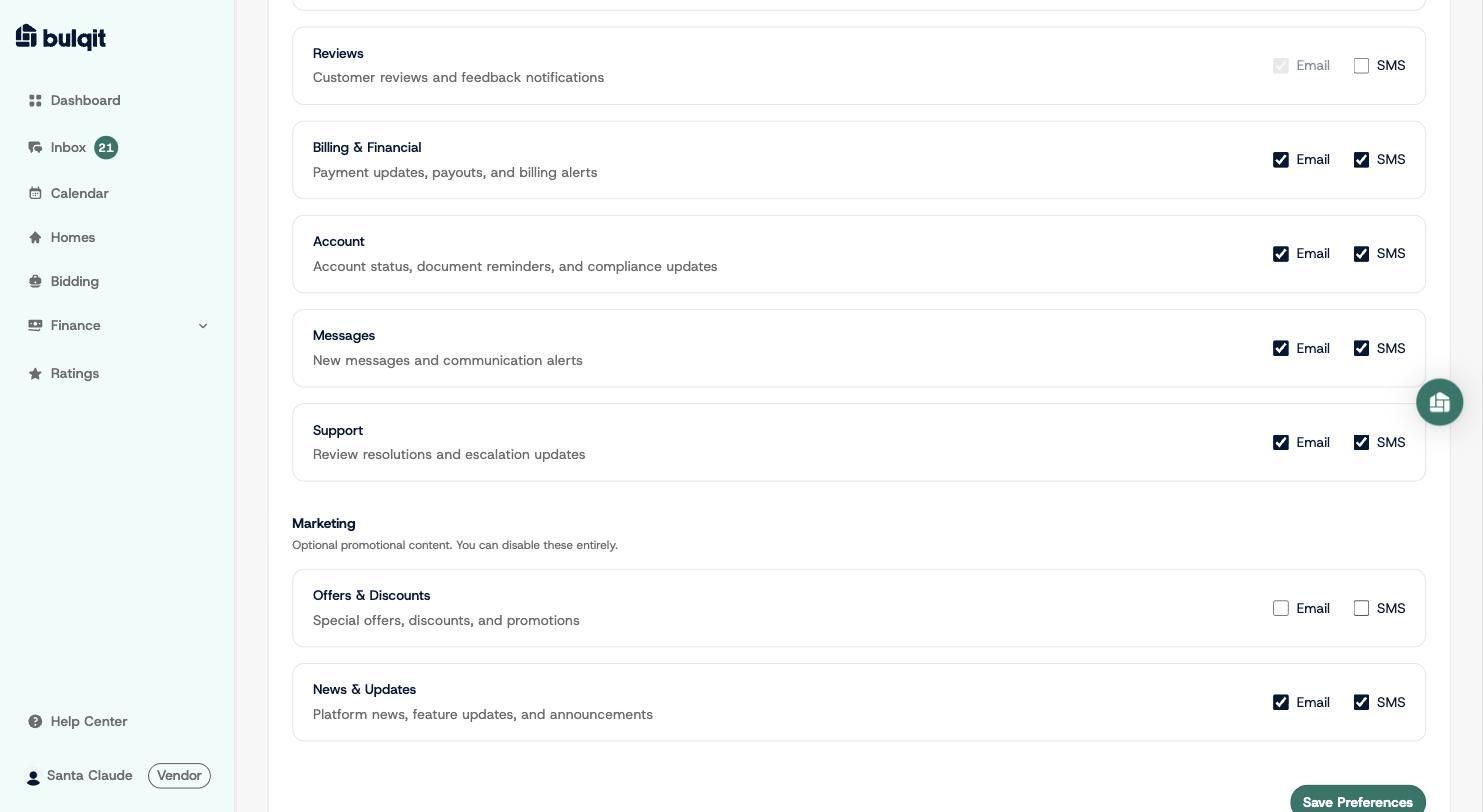
Offers & Discounts with both Email and SMS unchecked, no lock applied
Step 3 — Click "Save Preferences"
All your categories save together and you'll see a confirmation that your preferences were updated.
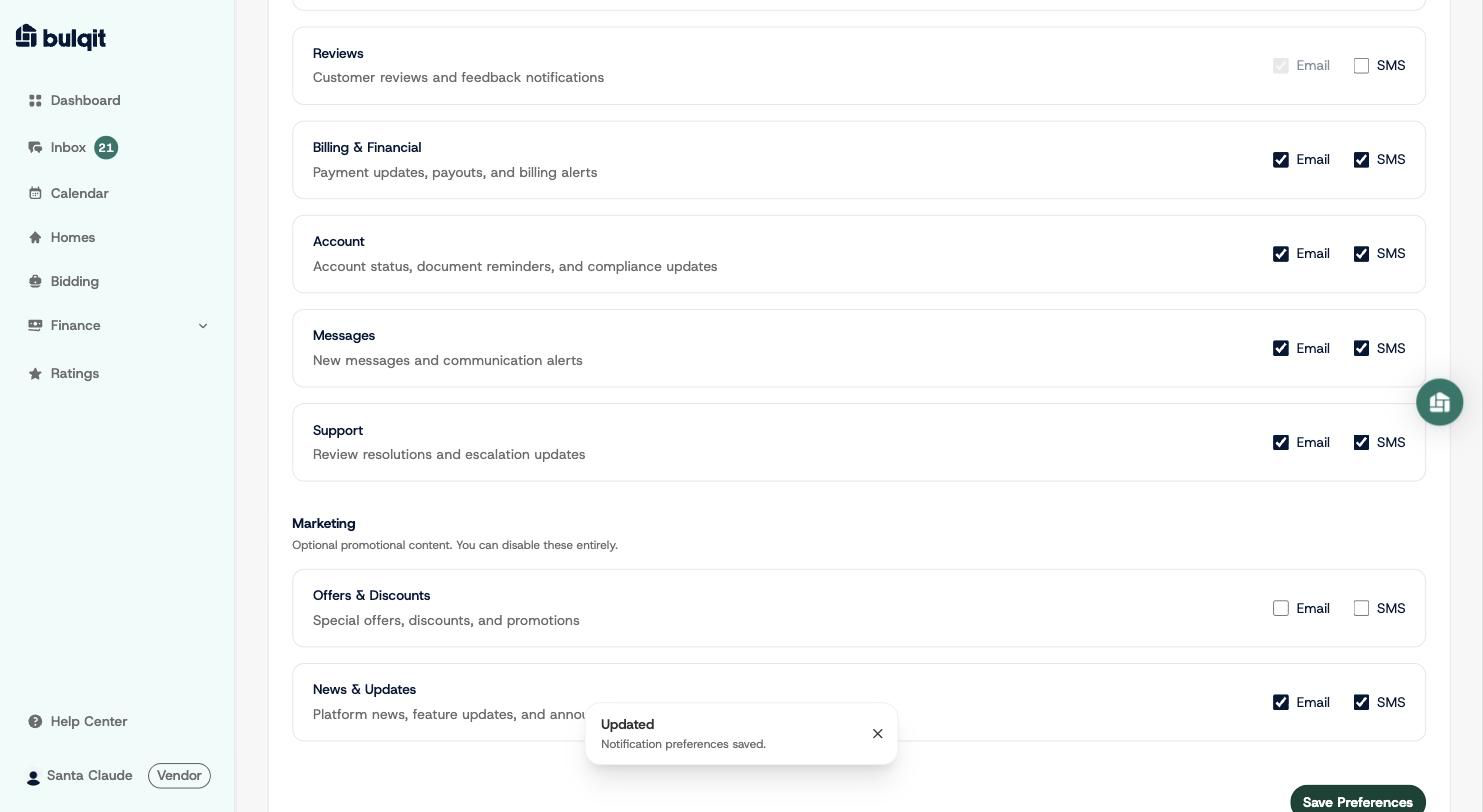
Notification preferences saved confirmation