
Settings : Contact Support
Edited
Here's how to reach the Bulqit team from inside Settings.
Step 1 — Click "Contact Support"
You'll find this at the bottom of the Company, Team, Banking, and My Profile tabs.
Step 2 — Send a message
This opens your Bulqit Help thread. This the same conversation you'd reach from your Inbox, so everything stays in one place.
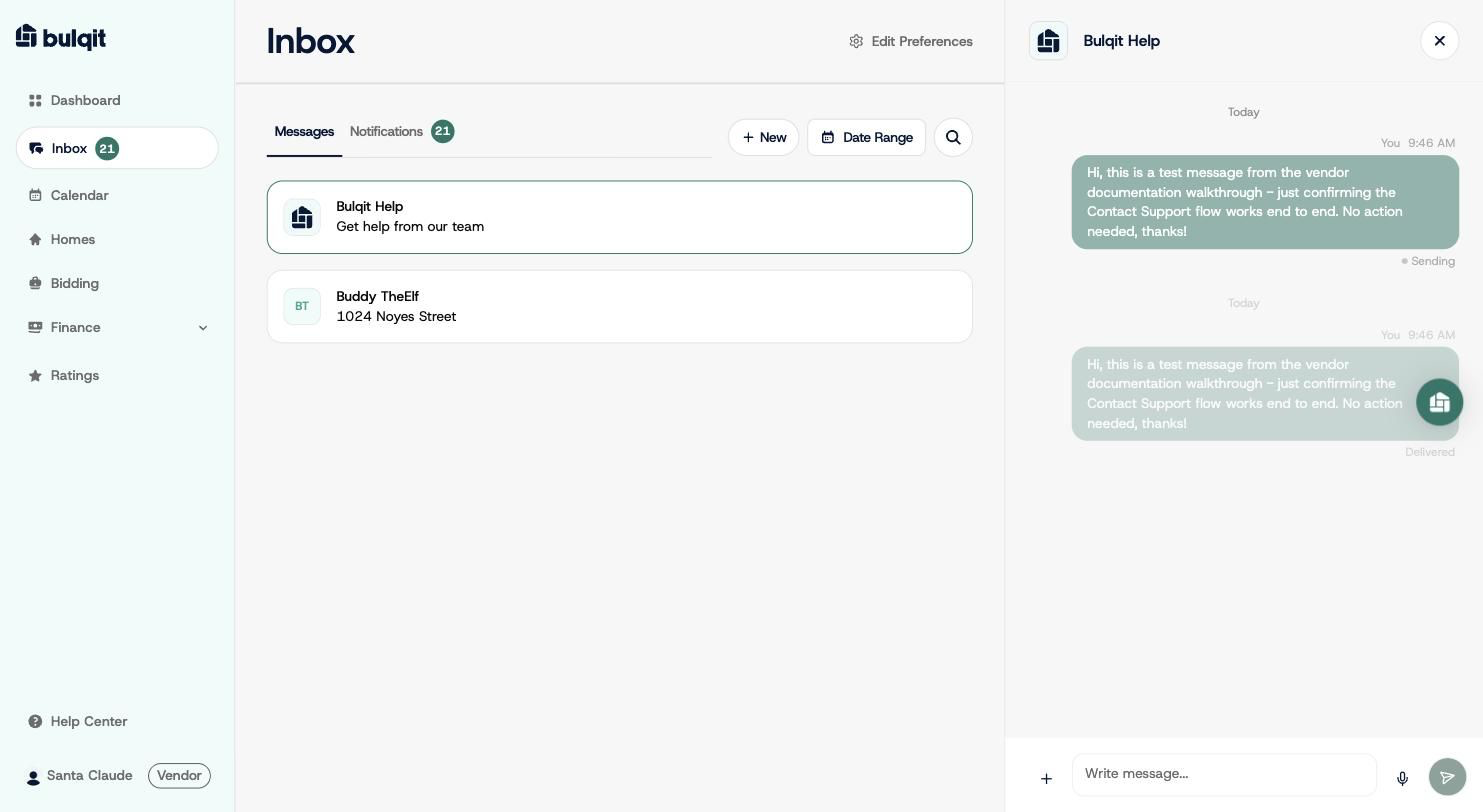
A message sent in the Bulqit Help thread, showing Delivered status