Bidding : Accept an Awarded Contract
Here's how to accept a contract after you've won a Block.
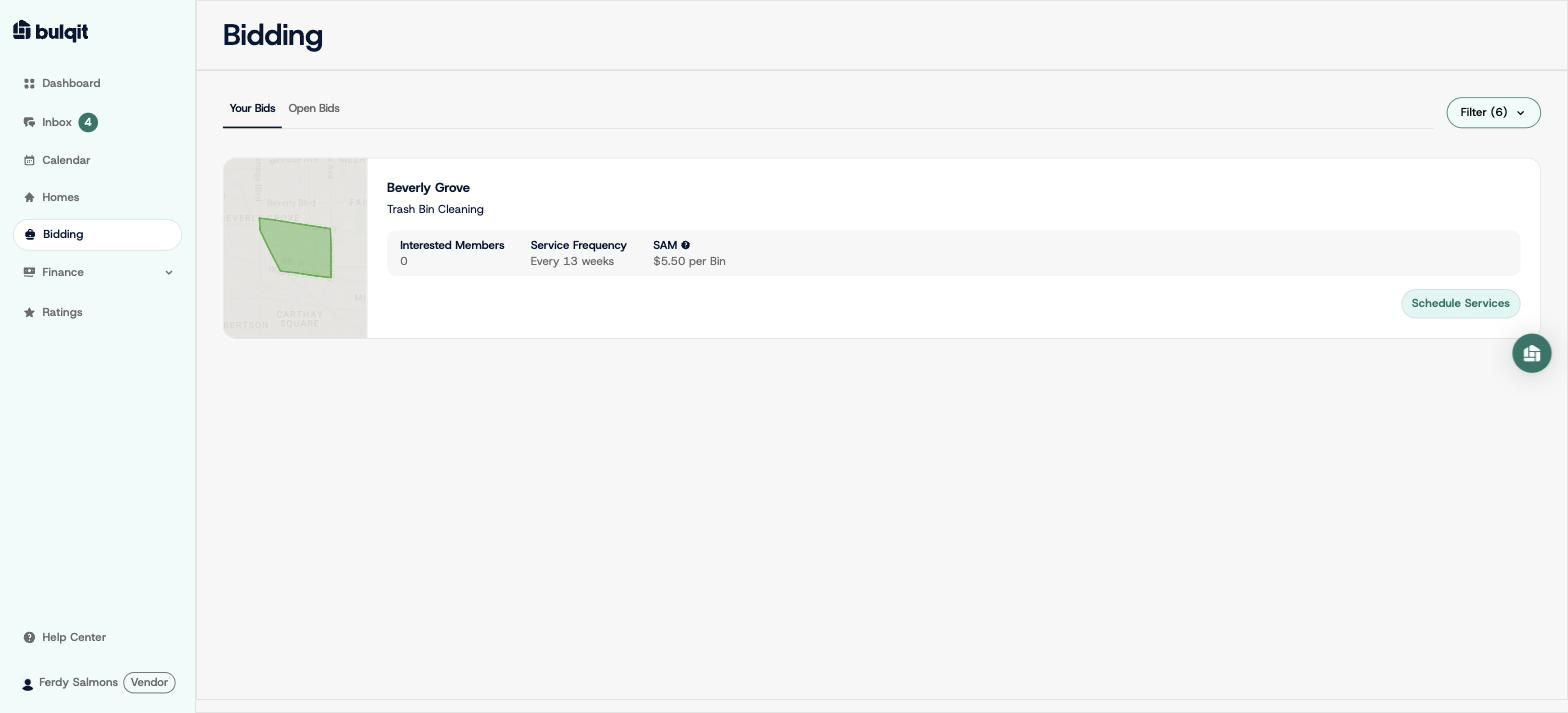
Step 1 — Open Bidding → Your Bids
When you win, your card updates to show you've won the Block. You have 48 hours to confirm. If you don't, the Block goes to the next bidder.
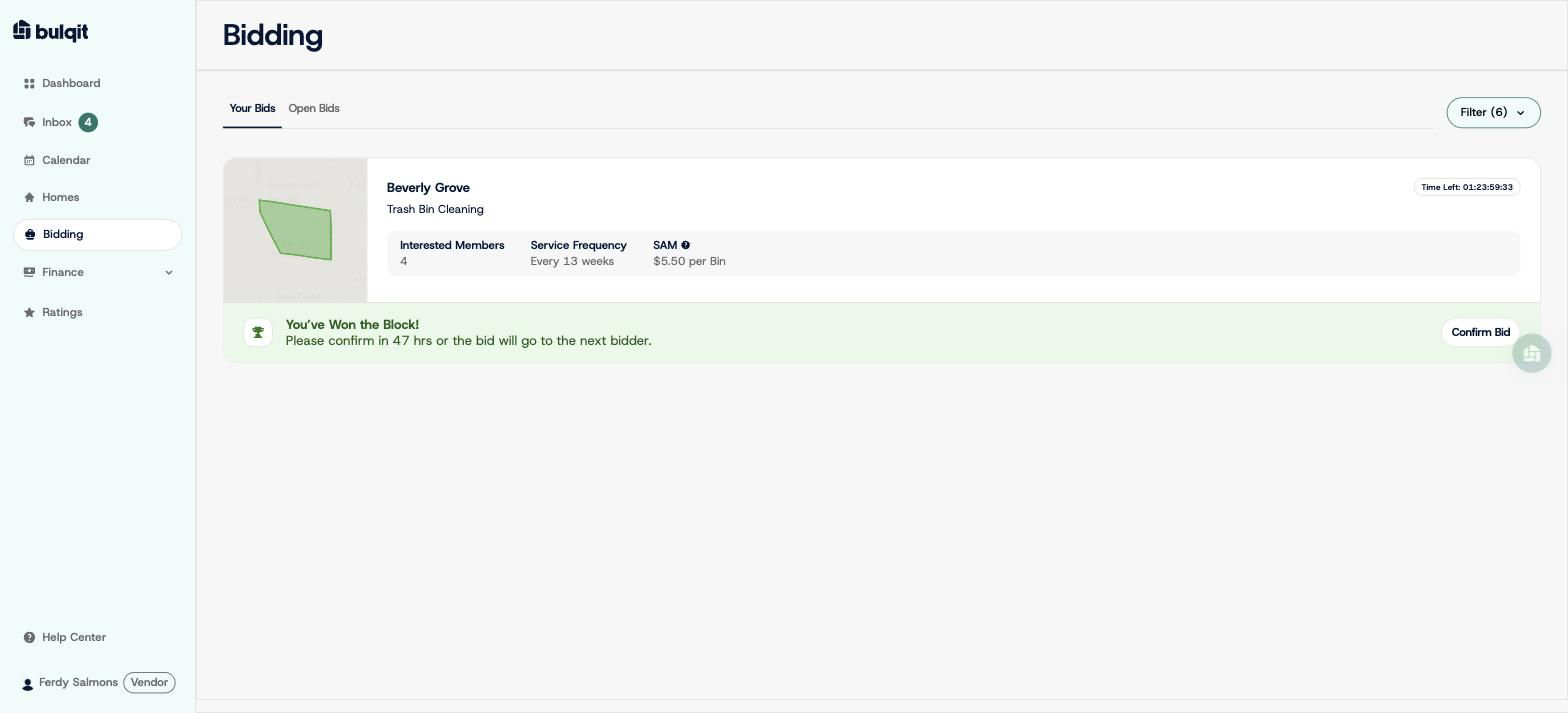
Step 2 — Click "Confirm Bid" and review the final terms
You'll see the same rate breakdown you saw when bidding; your per-unit cost, Credit Card Fee, Bulqit Share, Your Revenue, and the term. Two checkboxes are required before you can confirm:
1. You're locking your rate for every home in the Block, current and future.
2. You agree to the Vendor Platform Agreement and Service Agreement.
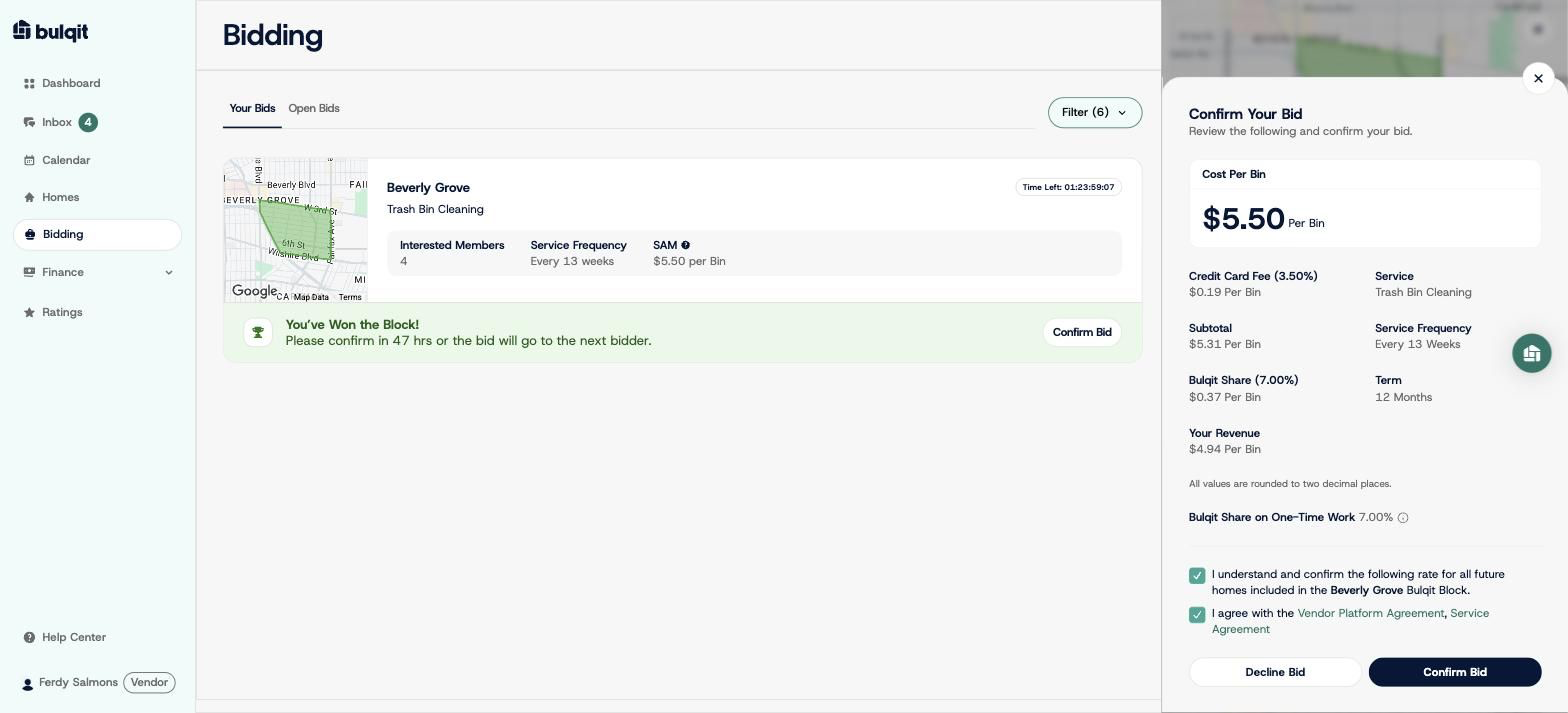
Step 3 — Click "Confirm Bid"
The Block is yours. We'll notify interested Members that the service is available in their Block and let you know as soon as jobs are ready to schedule. Nothing is required from you in the meantime.
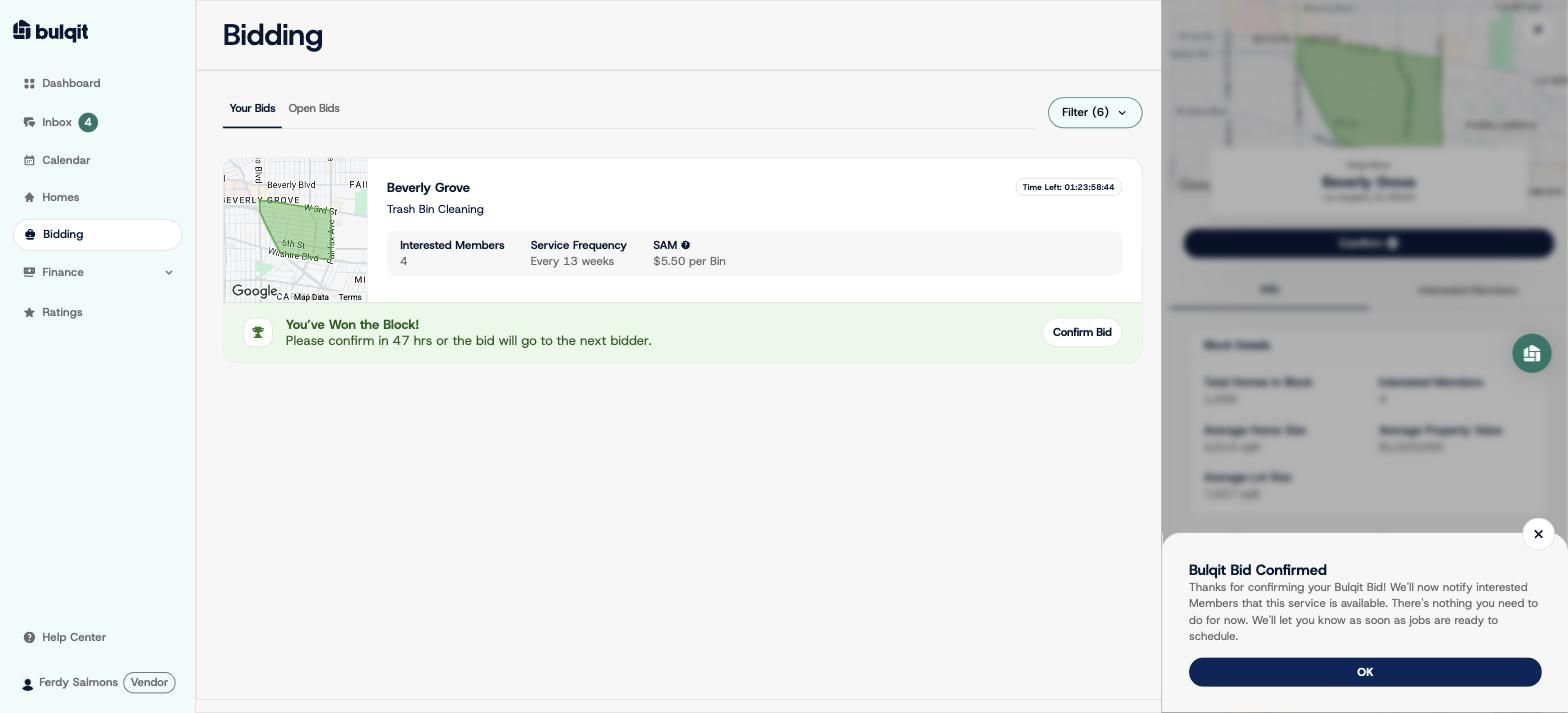
Step 4 — Check Bidding → Your Bids again
Your card now shows a "Schedule Services" button. It stays inactive until the first Member signs up for the service. Once someone subscribes, the button activates and the job appears on Calendar → To Schedule.
Now, whenever a Member signs up for a service, you will be notified to add them to your schedule.