
Calendar : Reschedule a Service
Edited
Here's how to move a scheduled visit, or an entire recurring series, to a new date.
Step 1 — Open the visit's "⋮" menu
From Calendar → Upcoming, click into the job to open the Member's home panel, go to the Schedule tab, and click the "⋮" next to the visit you want to move. Choose "Reschedule."
Step 2 — Pick a new date
A date picker opens on the current month. At the bottom you choose how far the change reaches:
• Only This Event moves this visit alone. Everything after it stays on the original cadence.
• All moves this visit and every future visit in the series, resetting the recurrence to the new date.
The Member is notified either way.
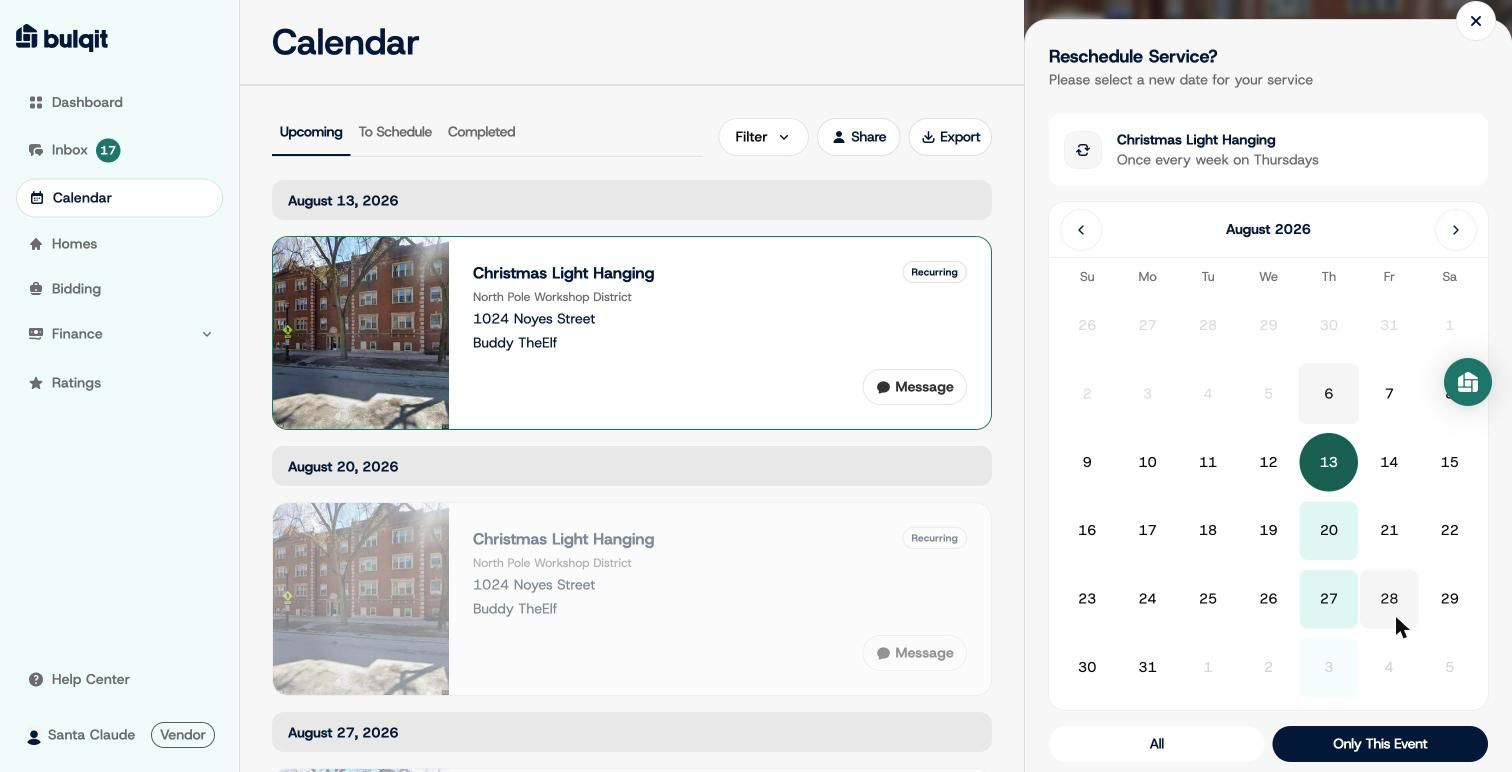
Reschedule date picker