
Signup : Bulqit Member Signup
Here's how to join Bulqit, from entering your address to landing on your dashboard. It takes about five minutes and you aren't committed to anything until checkout.
Step 1 — Navigate to the Bulqit site and enter an address
Go to bulqit.com and type your home address into the address field. Suggestions appear as you type.
Step 2 — Select the address from the dropdown
Pick your address from the suggestions. You'll land on a welcome page for your Bulqit Block showing what's available in your neighborhood.
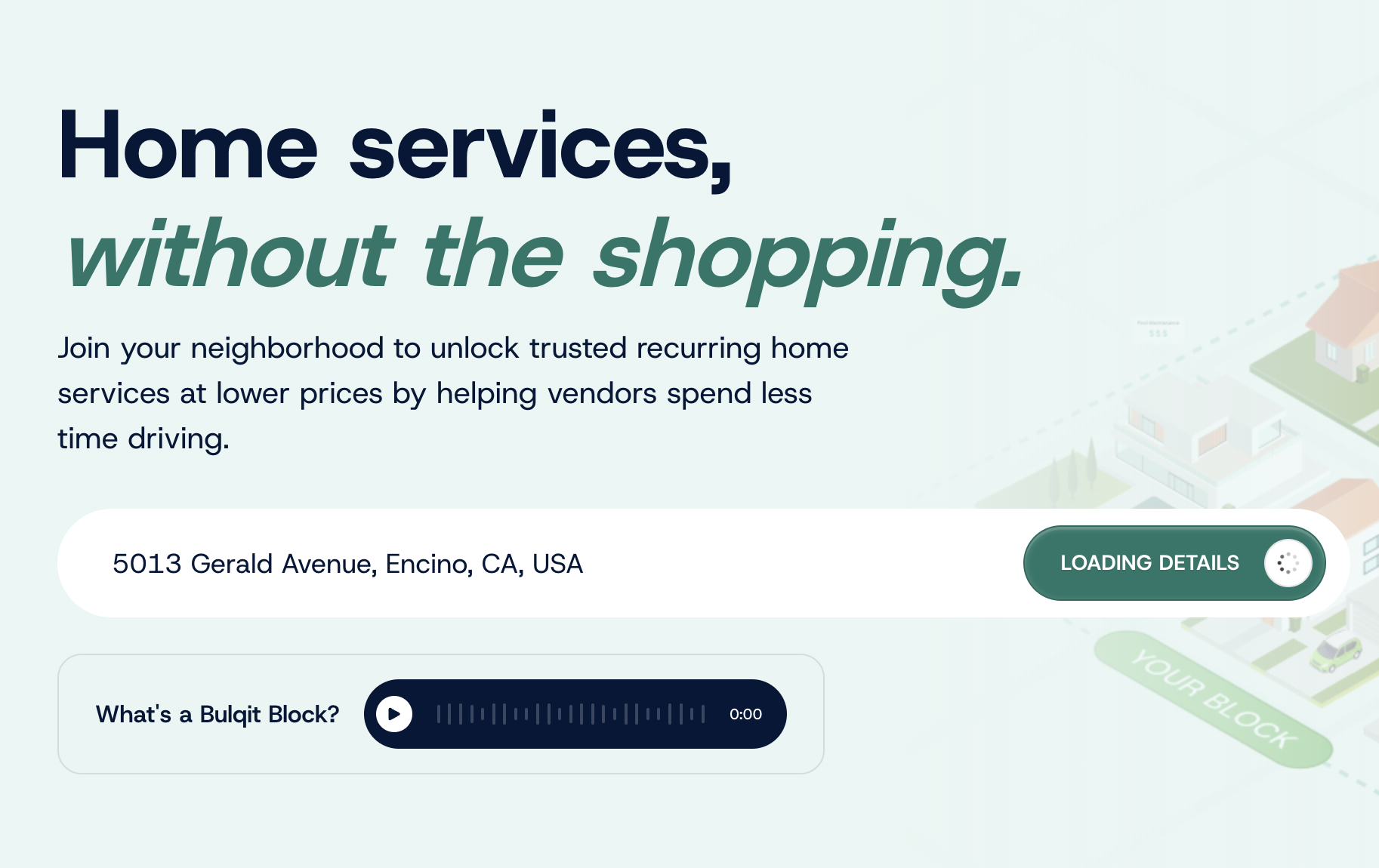
Step 3 — Click "View Services"
The View Services button sits at the bottom right of the welcome page.
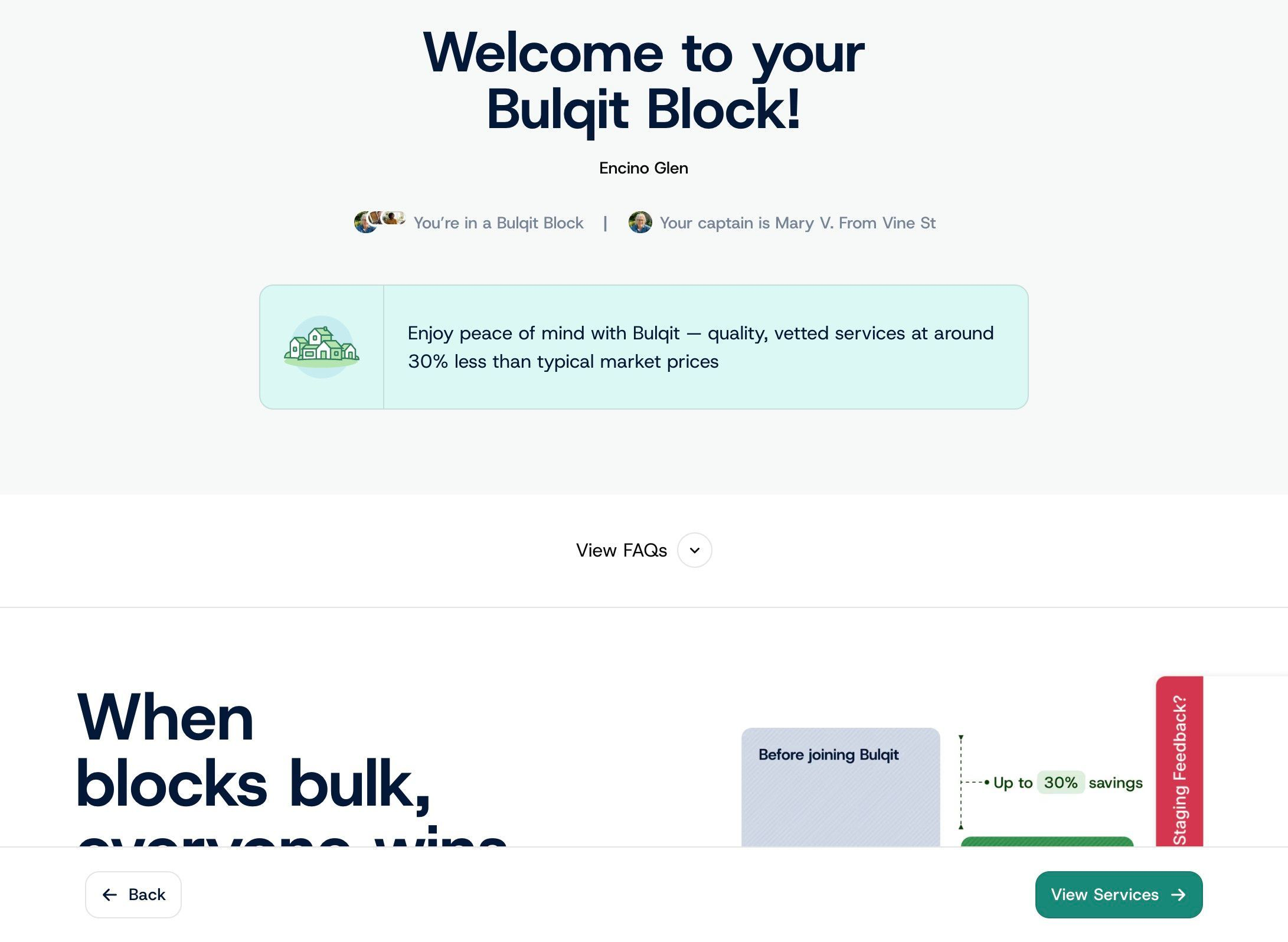
Step 4 — Select services
Browse the services available in your Block and toggle on the ones you're interested in. Nothing is committed at this stage, you're just telling us what to price.
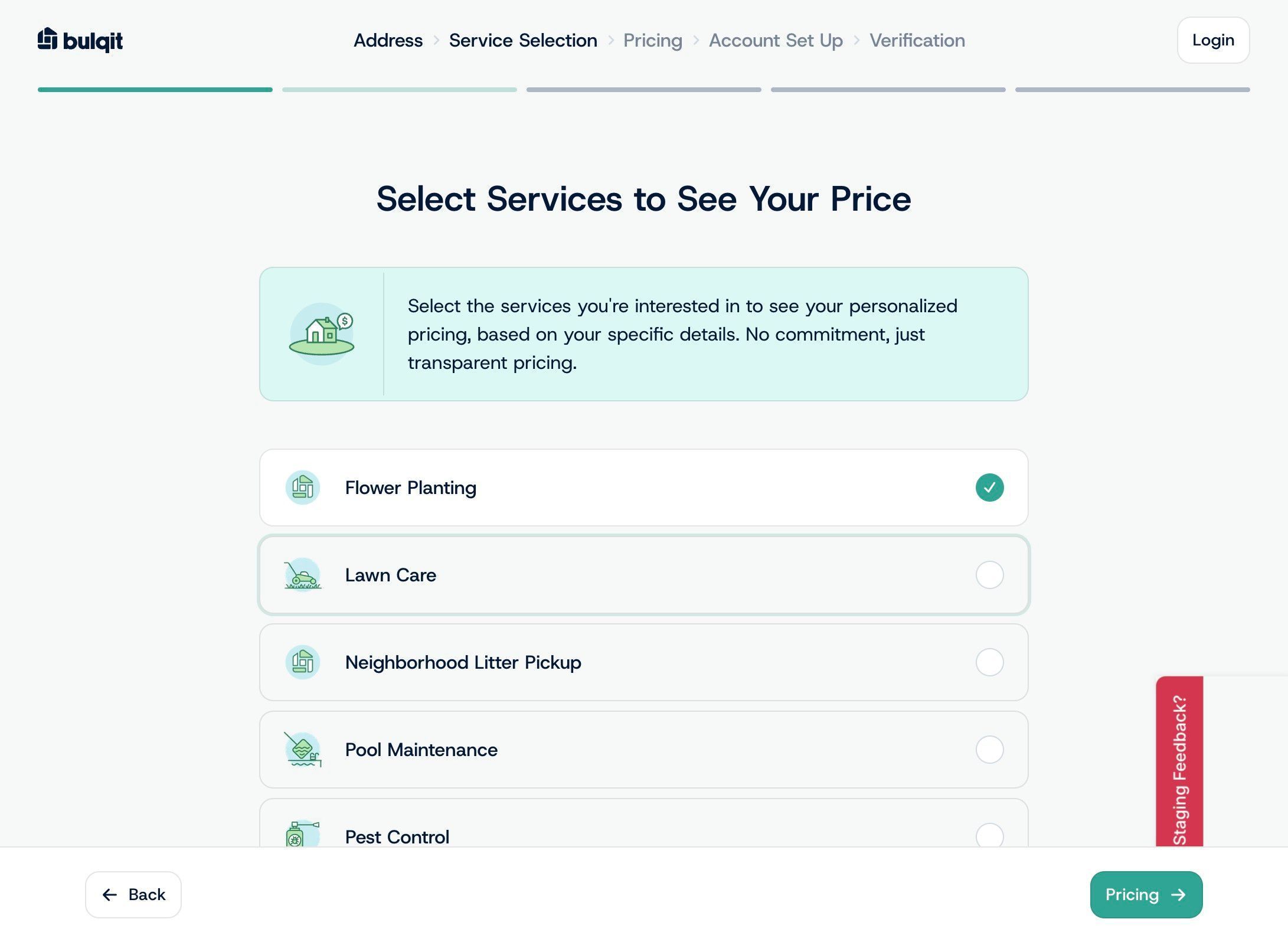
Step 5 — Review pricing
Your Personalized Pricing page shows the price and cadence for each service you selected, based on your Block and your property details.
If a service isn't active in your Block yet, the price shown is an estimate. It becomes firm once a Vendor is contracted for that service.
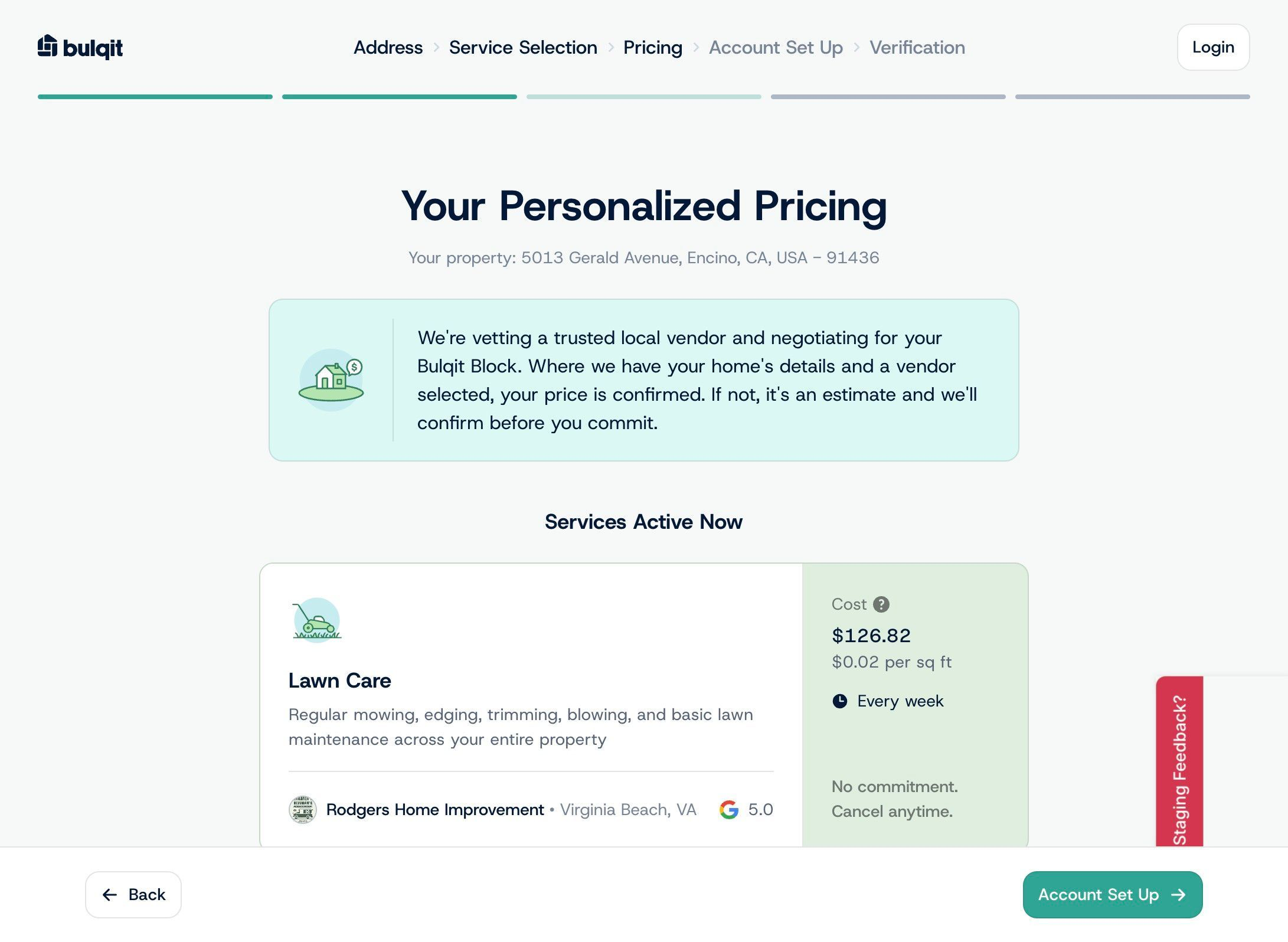
Step 6 — Click "Account Set Up"
This starts account creation. Your service selections carry over.
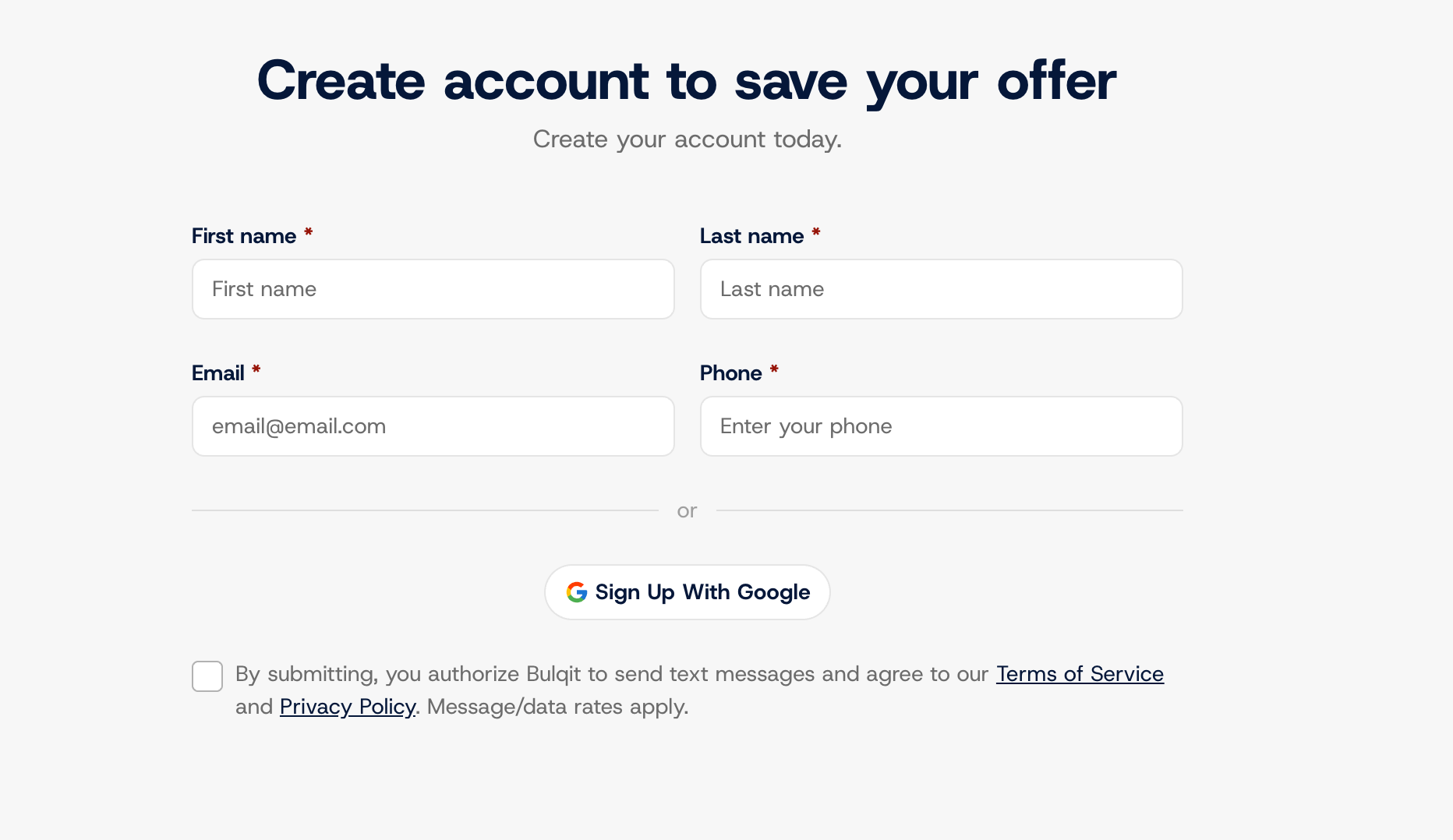
Step 7 — Fill in account details and click "Verification"
Enter your first name, last name, email, and phone number. All four are required. Check the box to agree to the Terms and to SMS messaging, then click Verification. You can also sign in with Google instead.
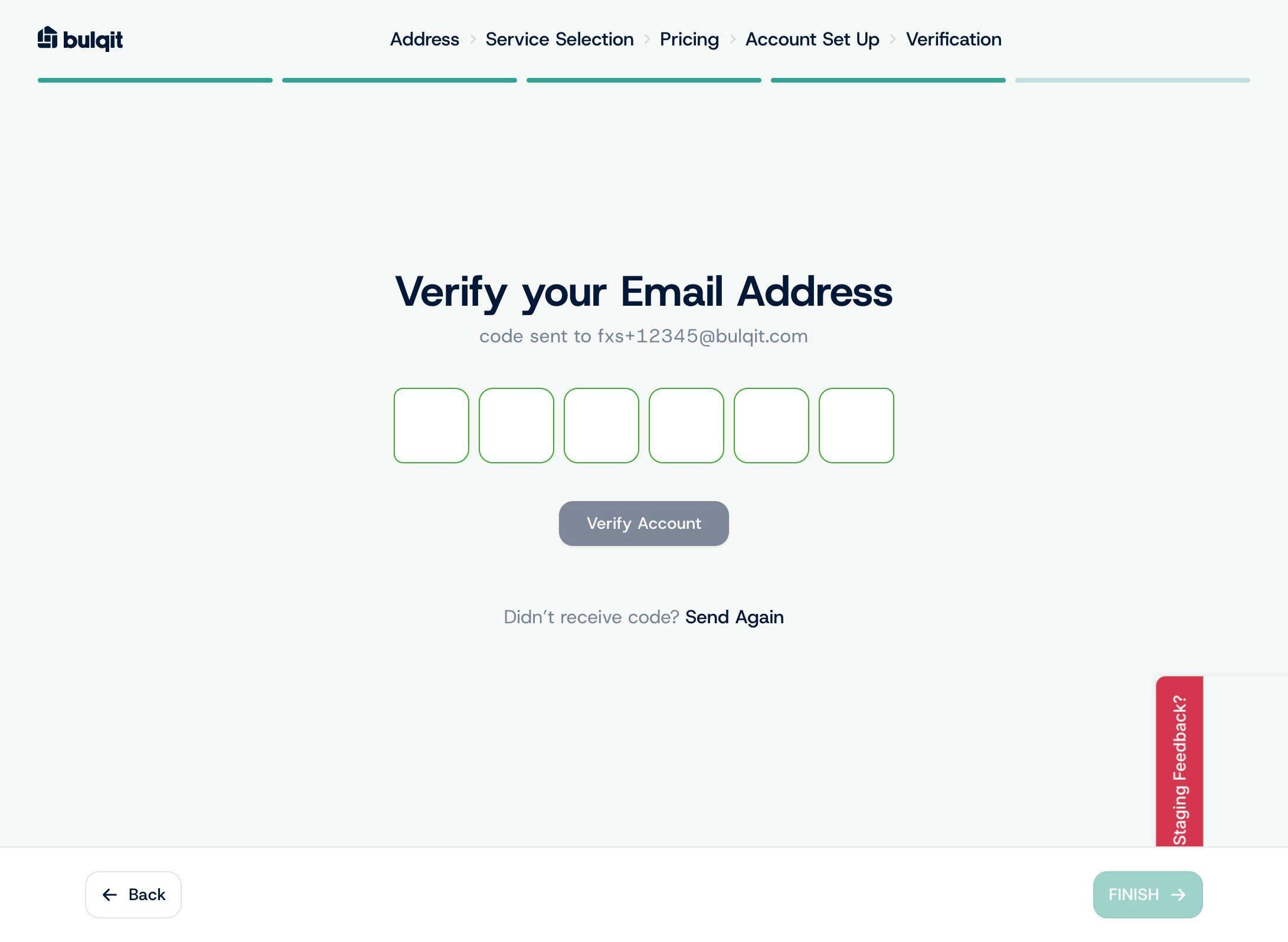
Step 8 — Verify Email
We'll email you a verification code. Enter it to confirm your email and finish creating your account. If it doesn't arrive within a minute, check your spam folder.
Step 9 — Click "Go to Dashboard"
Your account is live. From your dashboard you can register for services, set your notification preferences, and leave instructions for your Vendors.