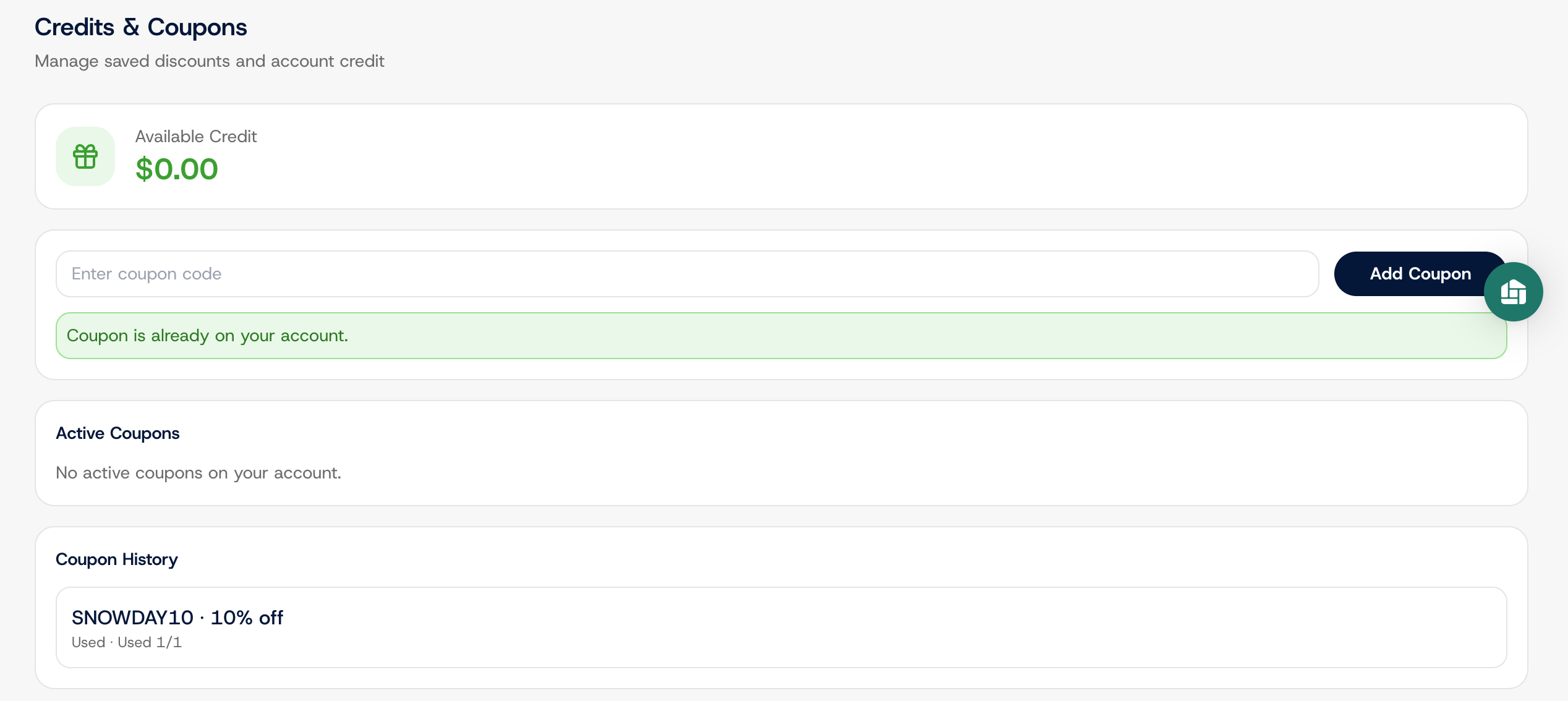
Payments : Apply a Coupon
Edited
Here's how to redeem a Bulqit coupon code on your account.
Step 1 — Navigate to your Member Dashboard
Open the sidebar menu.
Step 2 — Go to Settings, then Payments
Click Settings, then Payments. Billing and coupons are managed here.
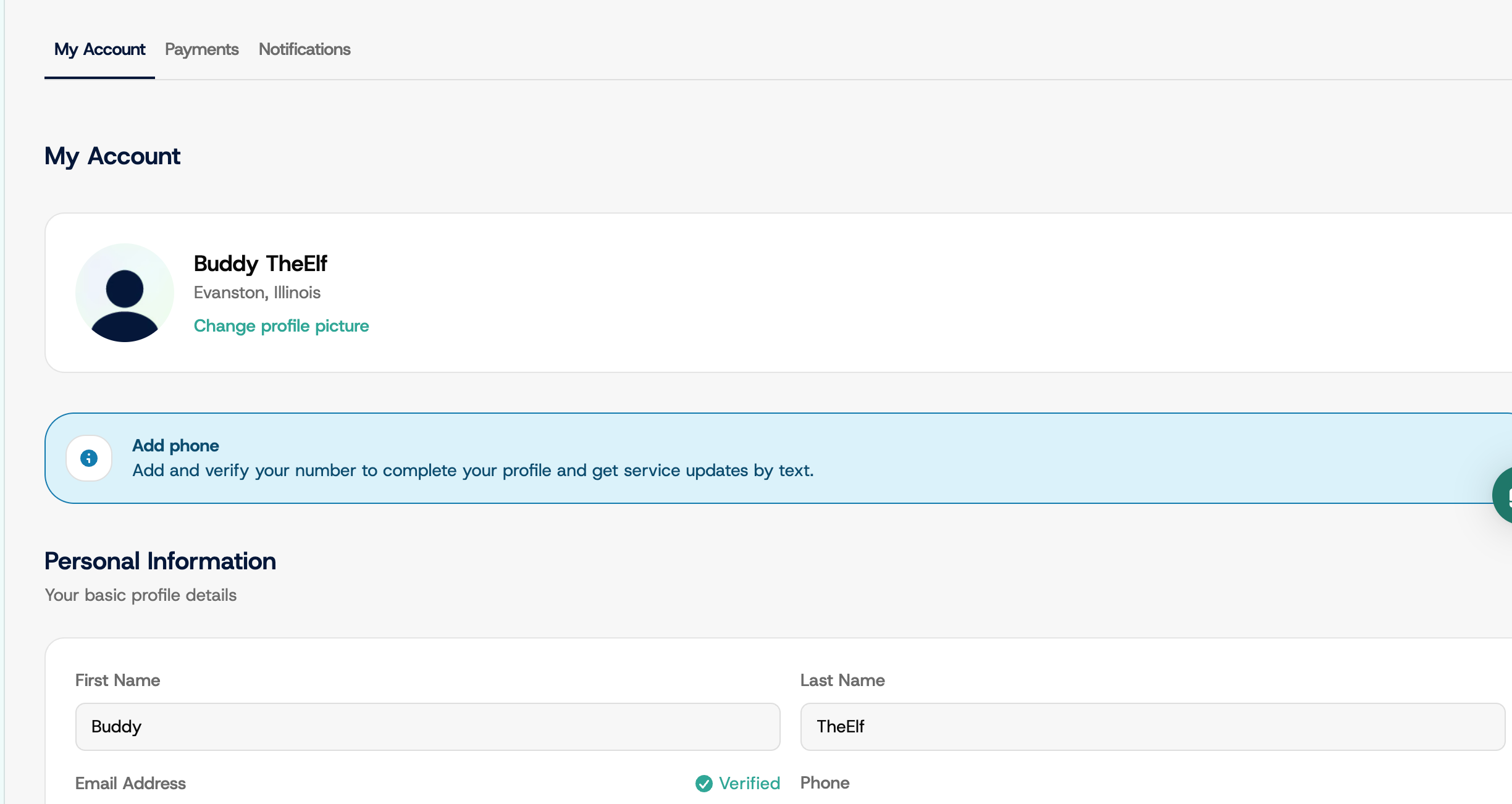
Step 3 — Enter the coupon code and apply
Click the "Enter coupon code" field, type your code exactly as you received it, and click Add Coupon. Codes aren't case sensitive.
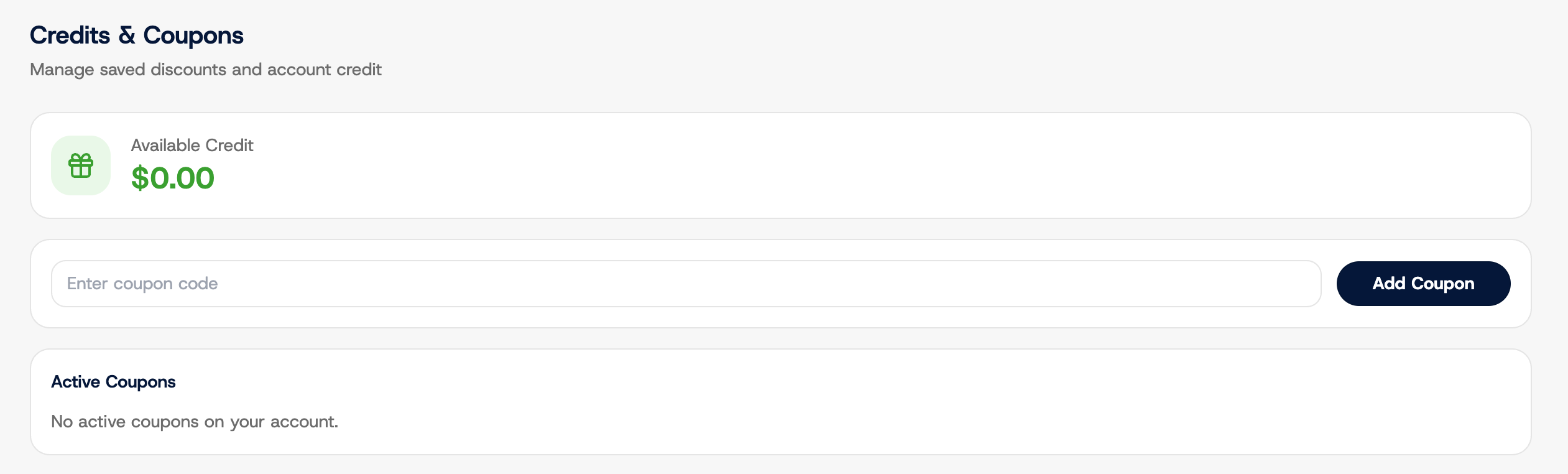
Step 4 — Confirm the coupon is active
Your coupon appears under Active Coupons with the code, the discount amount, and how many uses remain. The discount comes off your next eligible charge automatically, so there's nothing else to do.
If a code won't apply, it may have expired or already been used. Message Bulqit Help from your Inbox and we'll sort it out.