
Services : Leave Instructions for a Vendor
Edited
Here's how to leave standing instructions for your Vendors, such as gate codes, parking, pets on the property, or where to find equipment. Instructions are saved per service, so each Vendor sees only what applies to their work.
Step 1 — Navigate to your Member Dashboard and open Settings
Open the sidebar menu and click Settings.
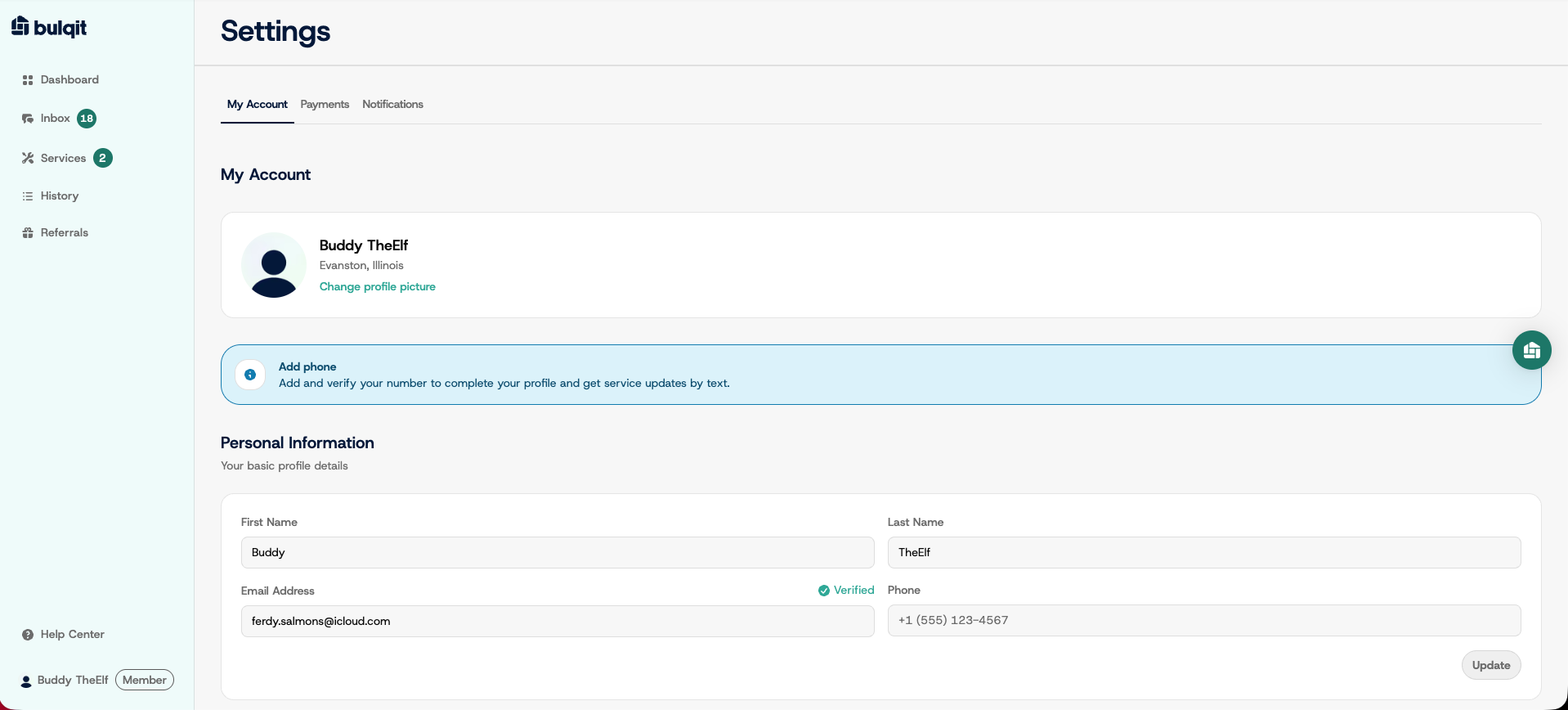
Step 2 — Open Information for Vendors
Scroll to the Information for Vendors section. There's a separate note field for each active service on your account.
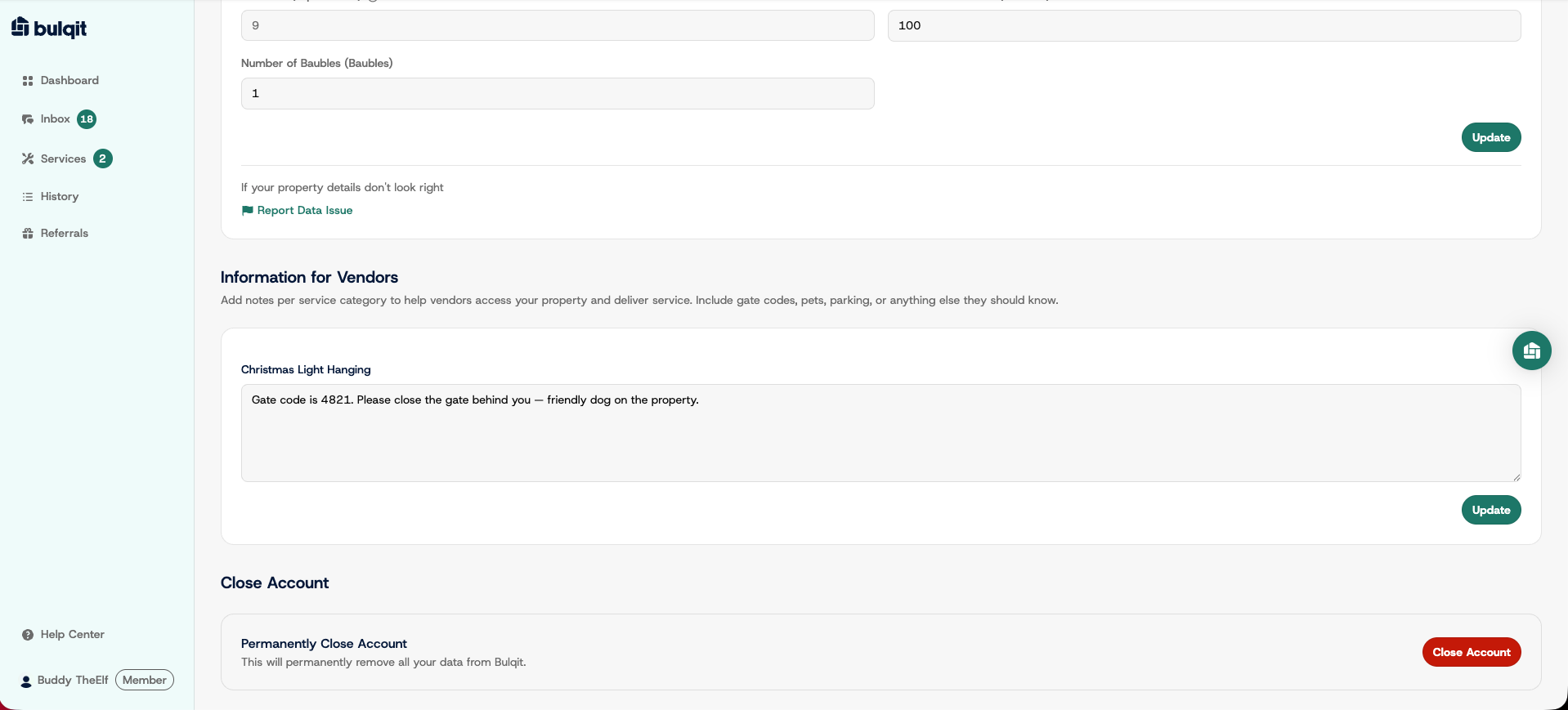
Step 3 — Enter your note and save
Click the field for the service you want, type your instructions, and click Update. You'll see a confirmation that the instructions saved.
Your Vendor sees the note before every visit, so keep it current. If a gate code changes, update it here rather than messaging your Vendor, since the note is what they check on site.