
Services : Rating + Request Resolution
Here's how to rate a completed visit and, if something went wrong, ask us to fix it.
Step 1 — Navigate to your Member Dashboard and open History
Click History in the sidebar to see every completed and upcoming visit.
You don't have to come here to rate. When a Vendor completes a visit, we email you a link that lets you rate it directly.
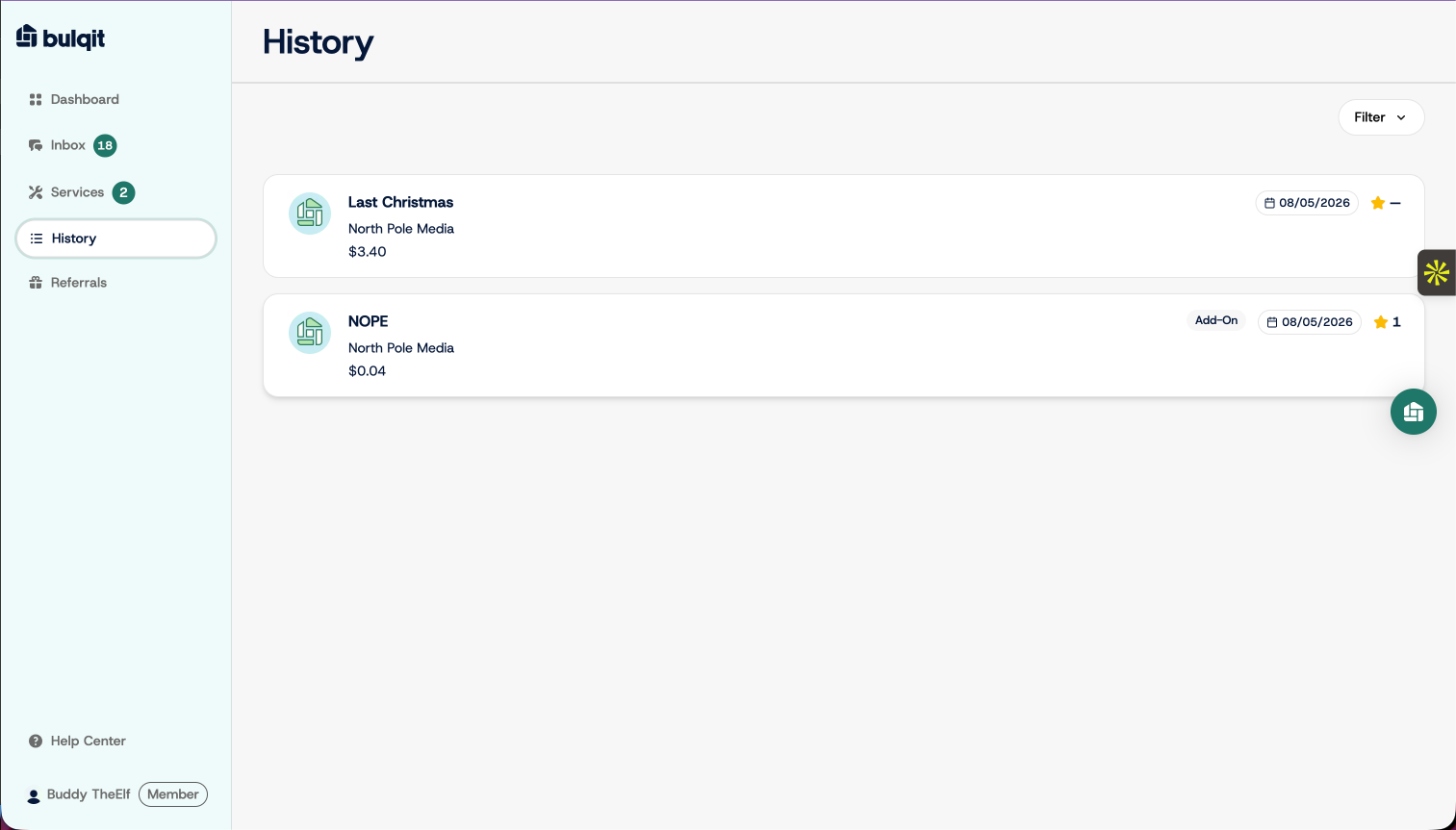
Step 2 — Open the completed job
Click the visit you want to rate. A panel slides out with the job details, listed by date and payment status.
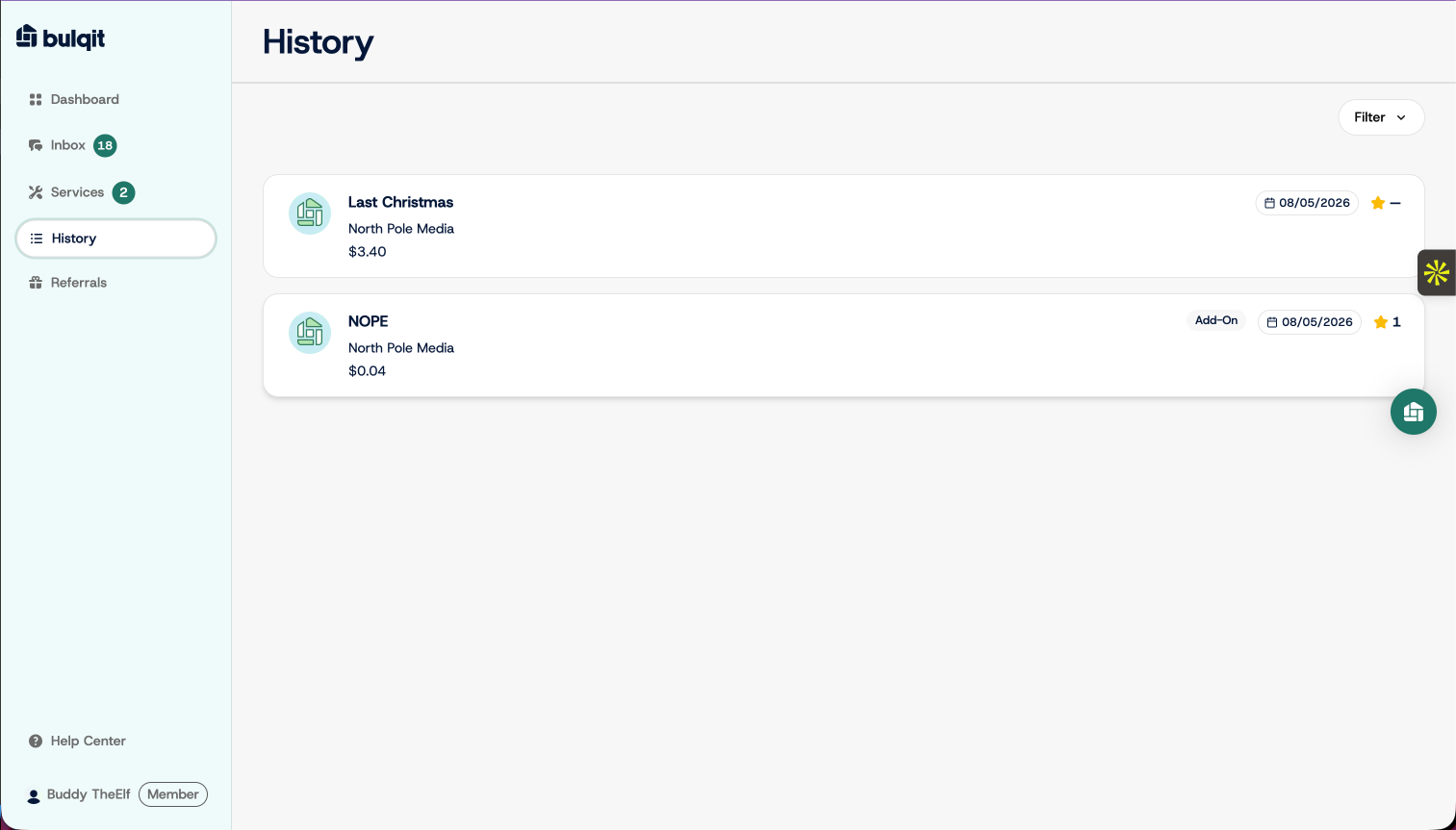
Step 3 — Leave a review
Click your star rating. The rest of the form, comments and the resolution checkbox, is already on screen.
Ratings feed each Vendor's Bulqit Score, which is part of how Vendors keep their contracts in your Block. Honest ratings are what keep quality up on your street.
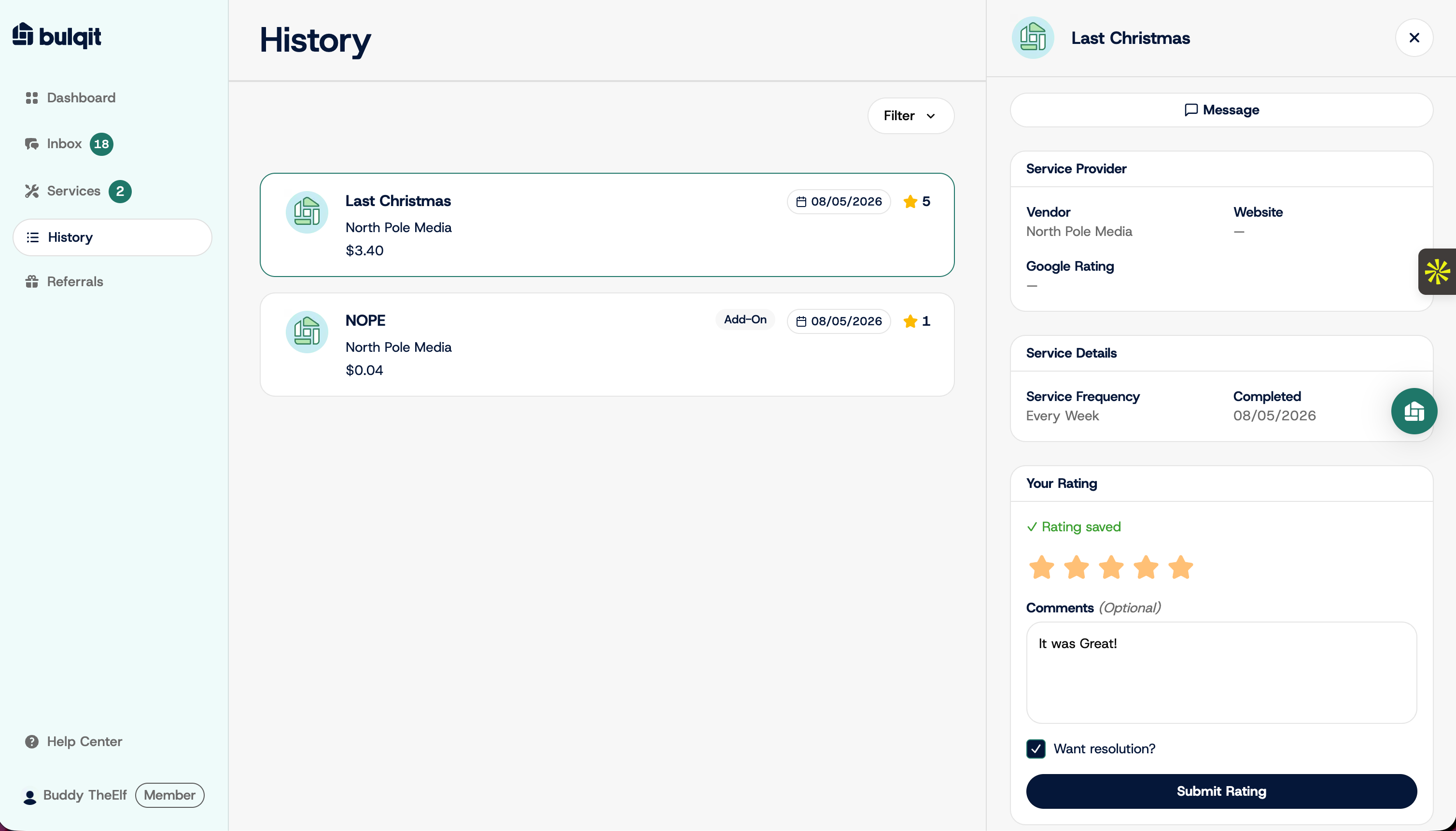
Step 4 — Write your feedback and request resolution
Add detail in the Comments field. It's optional, but specifics are what make a rating useful to your Vendor and to us.
If you want us to step in, check "Want resolution?" This alerts the Bulqit team that you're expecting follow-up rather than just leaving a record.
Step 5 — Submit the review
Click Submit Rating. Your rating saves and shows on the visit in your History list.
If you requested resolution, our team is alerted and will be in touch.