
Services : Cancel a Service
Here's how to cancel an active service. Cancellation takes effect immediately, all future visits are removed, and there are no cancellation fees.
Visits already completed before you cancel are unaffected and still charged. You can start the service again anytime from your dashboard, as long as a Vendor is still contracted in your Block.
Step 1 — Go to Services
From your dashboard, click Services in the sidebar, then the Active tab to see your current subscriptions.
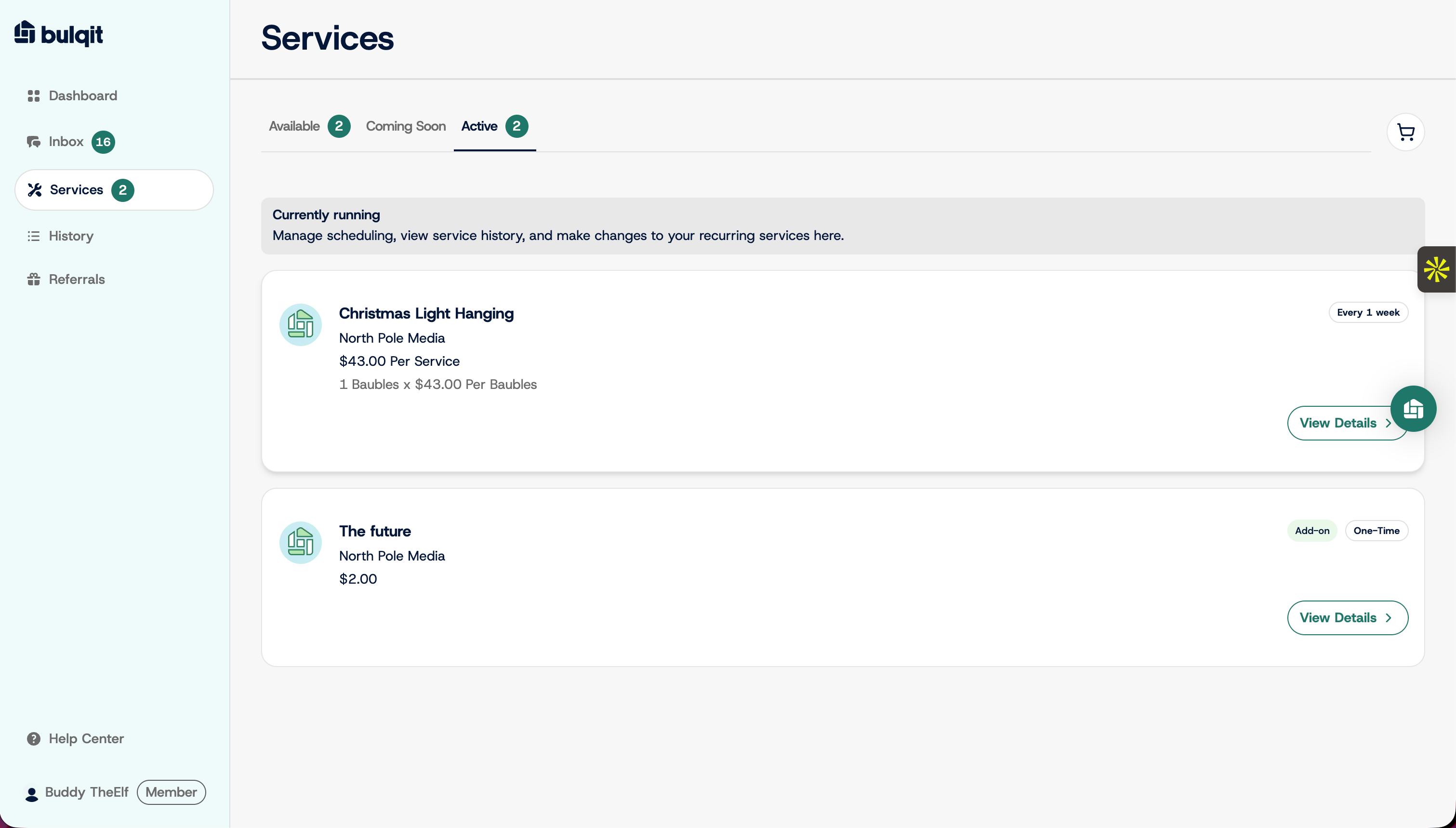
Step 2 — Open the service you want to cancel
Click the service to open its detail view.
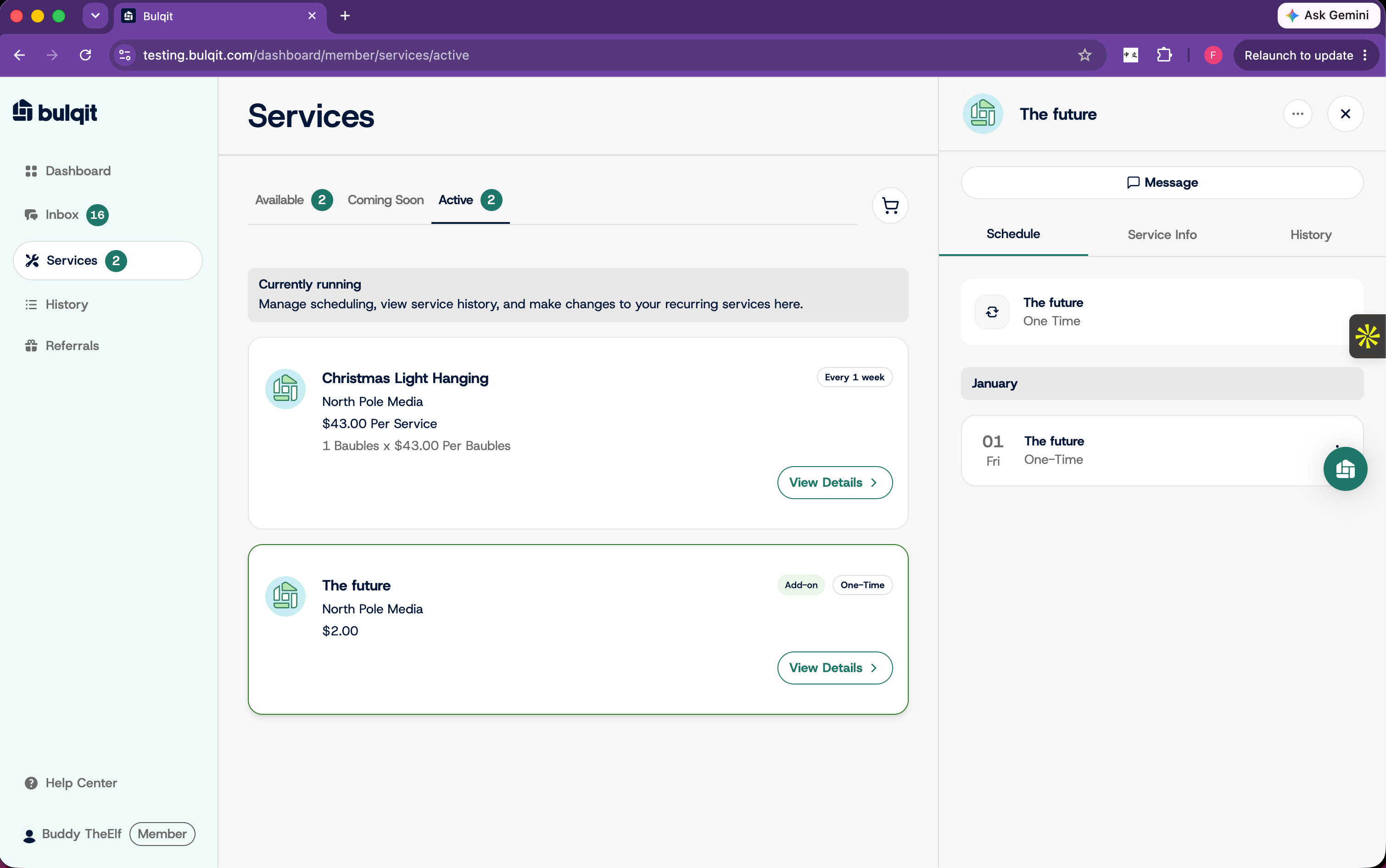
Step 3 — Open the service menu
Click the three-dot menu in the top right of the detail view.
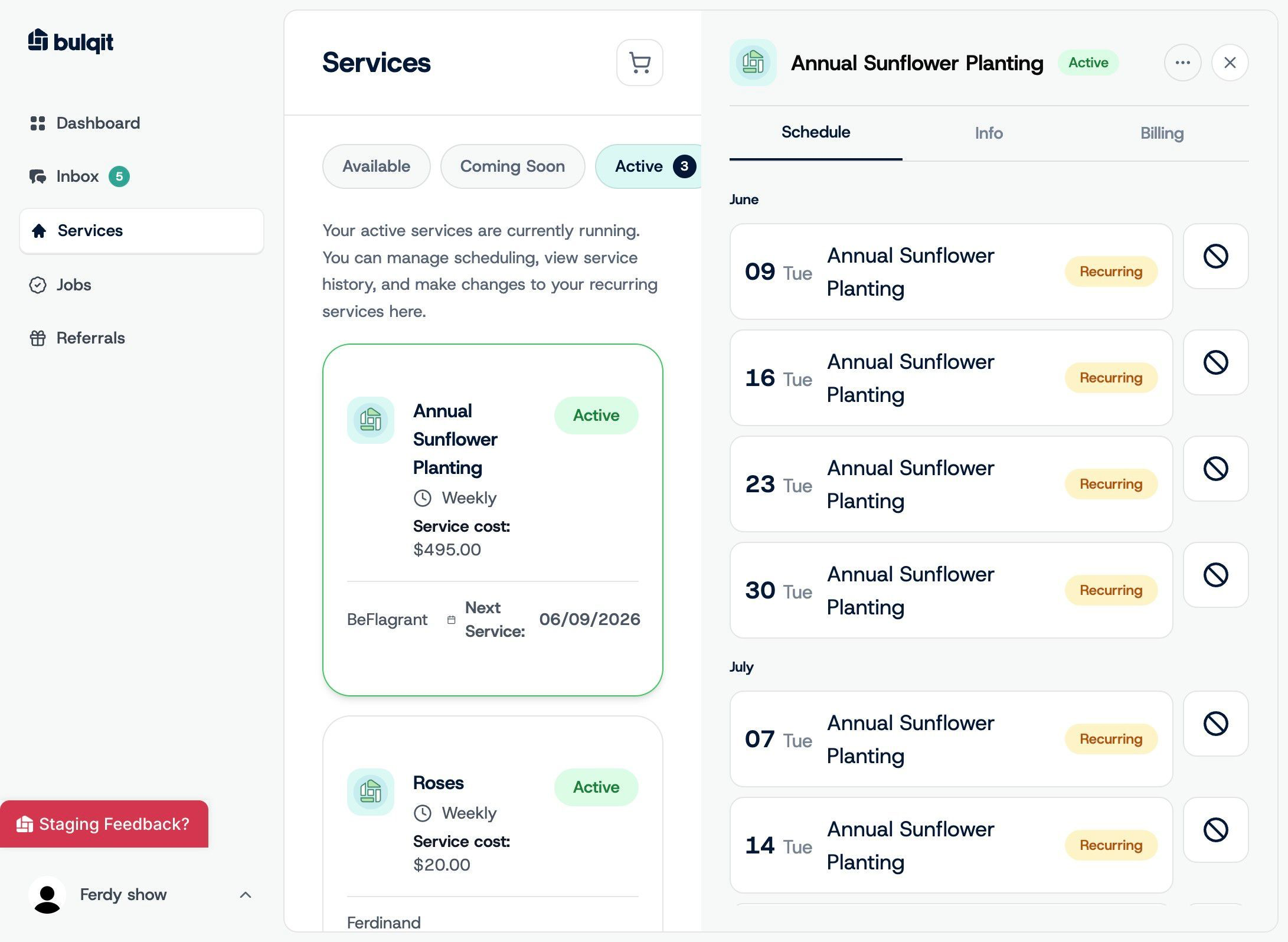
Step 4 — Select Cancel Service
Click Cancel Service. A confirmation window appears showing which service you're canceling and what happens next: the service stops immediately, all scheduled visits are removed, you can restart anytime, and no fees apply.
Keep Service backs you out. Cancel Service continues.
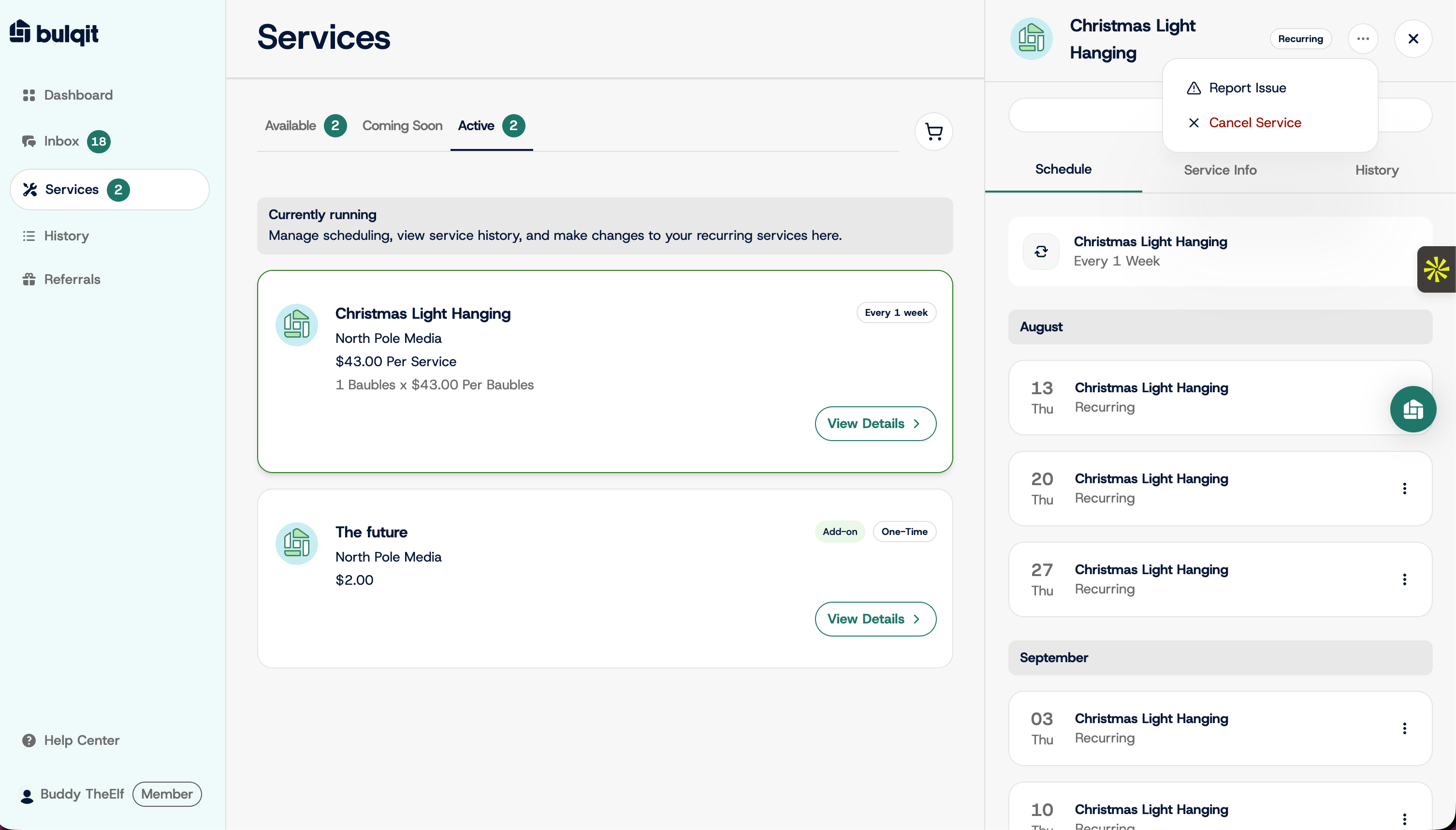
Step 5 — Confirm cancellation
Click Cancel Service again to confirm, then Done.
The service is canceled and no longer shows on your Active tab. Your Vendor is notified automatically.
If the issue is with the work rather than the service itself, try Report an Issue with a Vendor first. We may be able to fix it without you losing your Block pricing.