
Services : Accept a Proposal from Vendor
Here's how to review and accept a proposal from your Vendor. Accepting turns it into an active service on your account. You're charged when the work is completed, not when you accept.
Step 1 — Open your Inbox
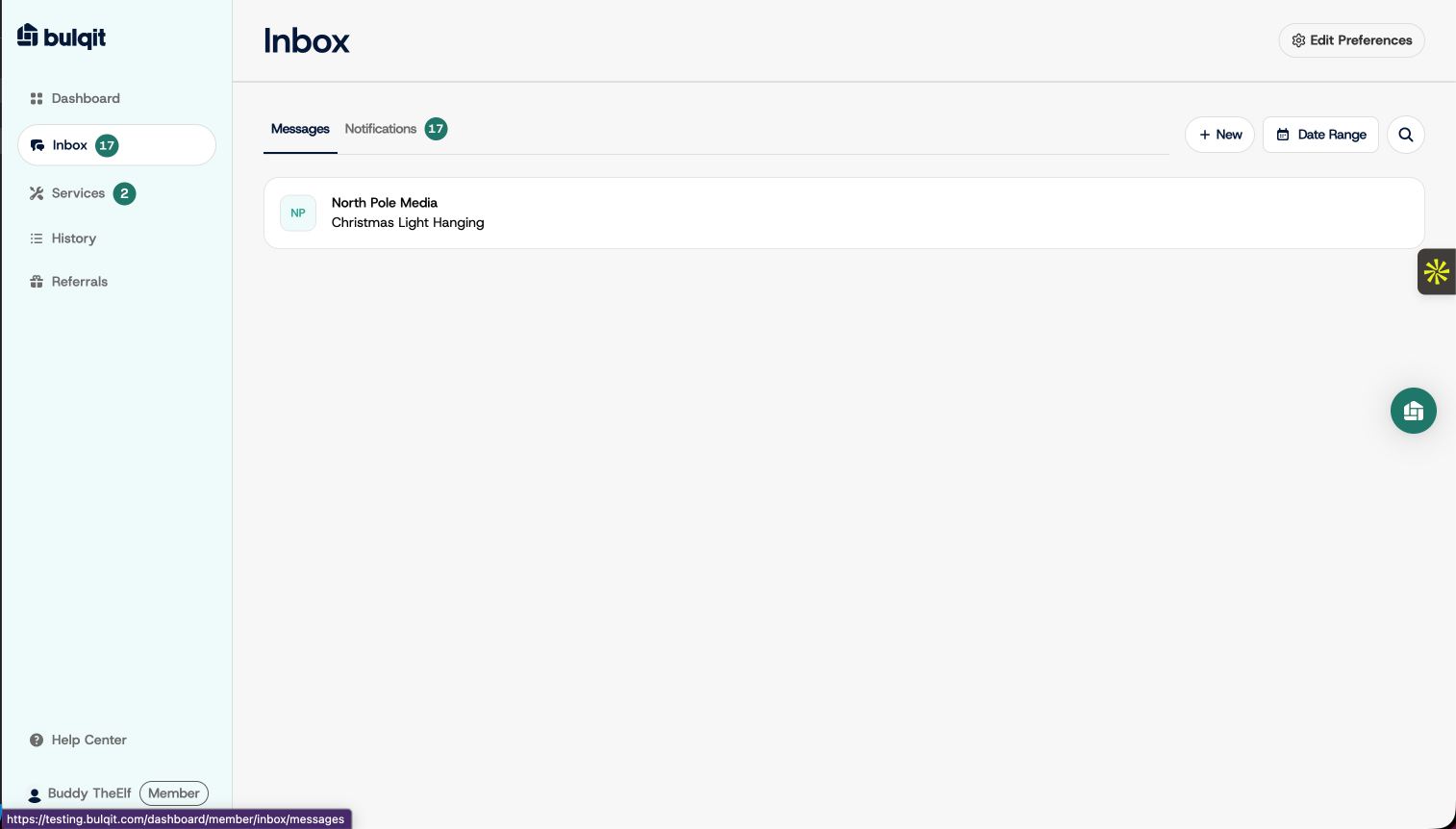
Click Inbox in the sidebar. Proposals arrive inside your existing conversation with the Vendor.
Step 2 — Open the relevant vendor conversation
Open the thread with the Vendor who sent the proposal. It appears as a card in the conversation itself, so there's no separate screen to find.
Step 3 — Review and accept the proposal
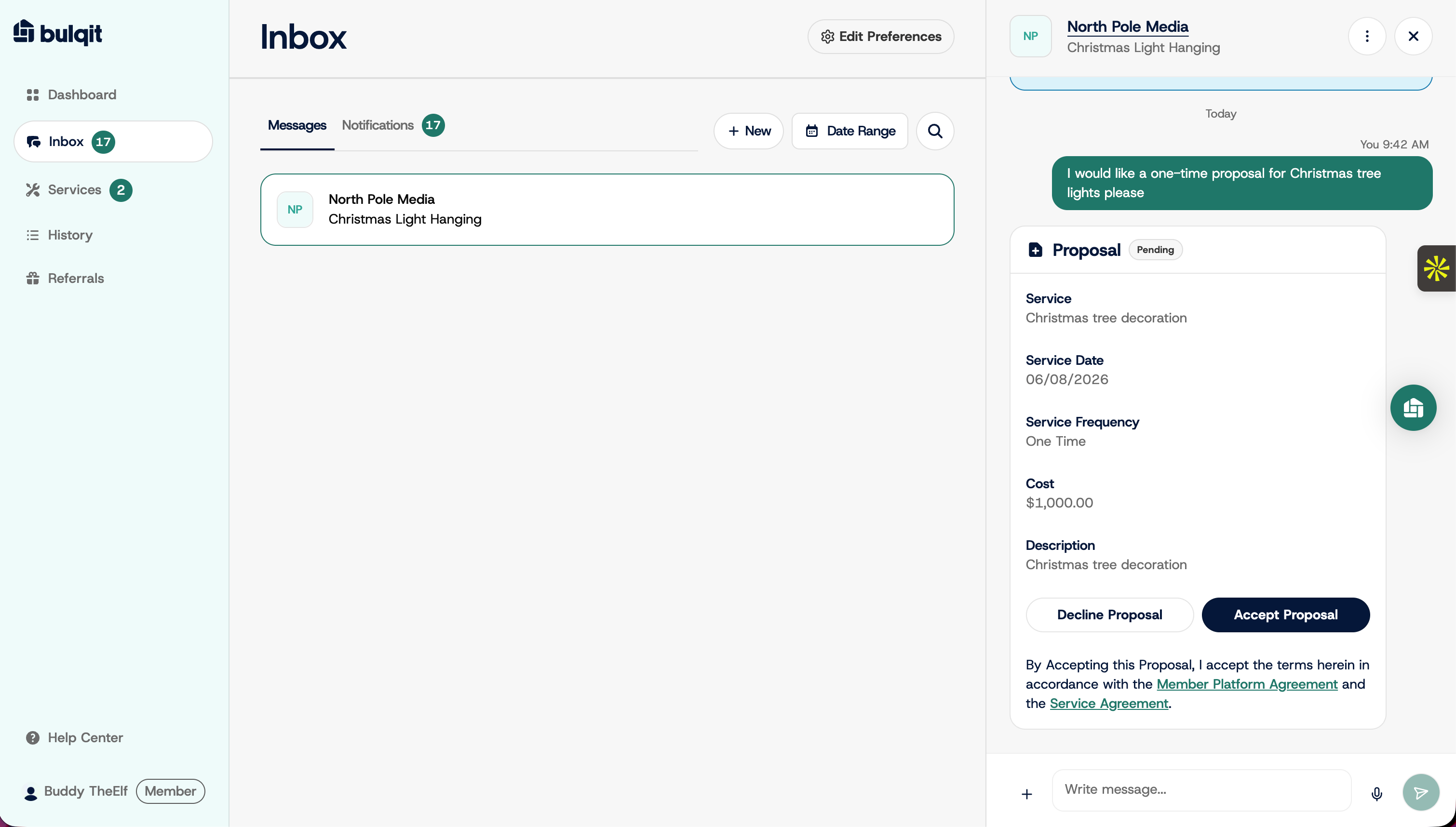
The card shows the service, service date, frequency, cost, description, and links to the Member Platform Agreement and Service Agreement. Read the description carefully, since that's the scope of work you're agreeing to.
Click Accept Proposal, or Decline Proposal if it isn't right. On acceptance the card updates to Accepted and a confirmation posts to the thread.
If something in the proposal needs adjusting, reply in the thread and ask your Vendor to send a revised one rather than accepting and sorting it out later.
Step 4 — View your active services
Click Services in the sidebar, then the Active tab. Your new service is listed there, and your Vendor will schedule the visit.