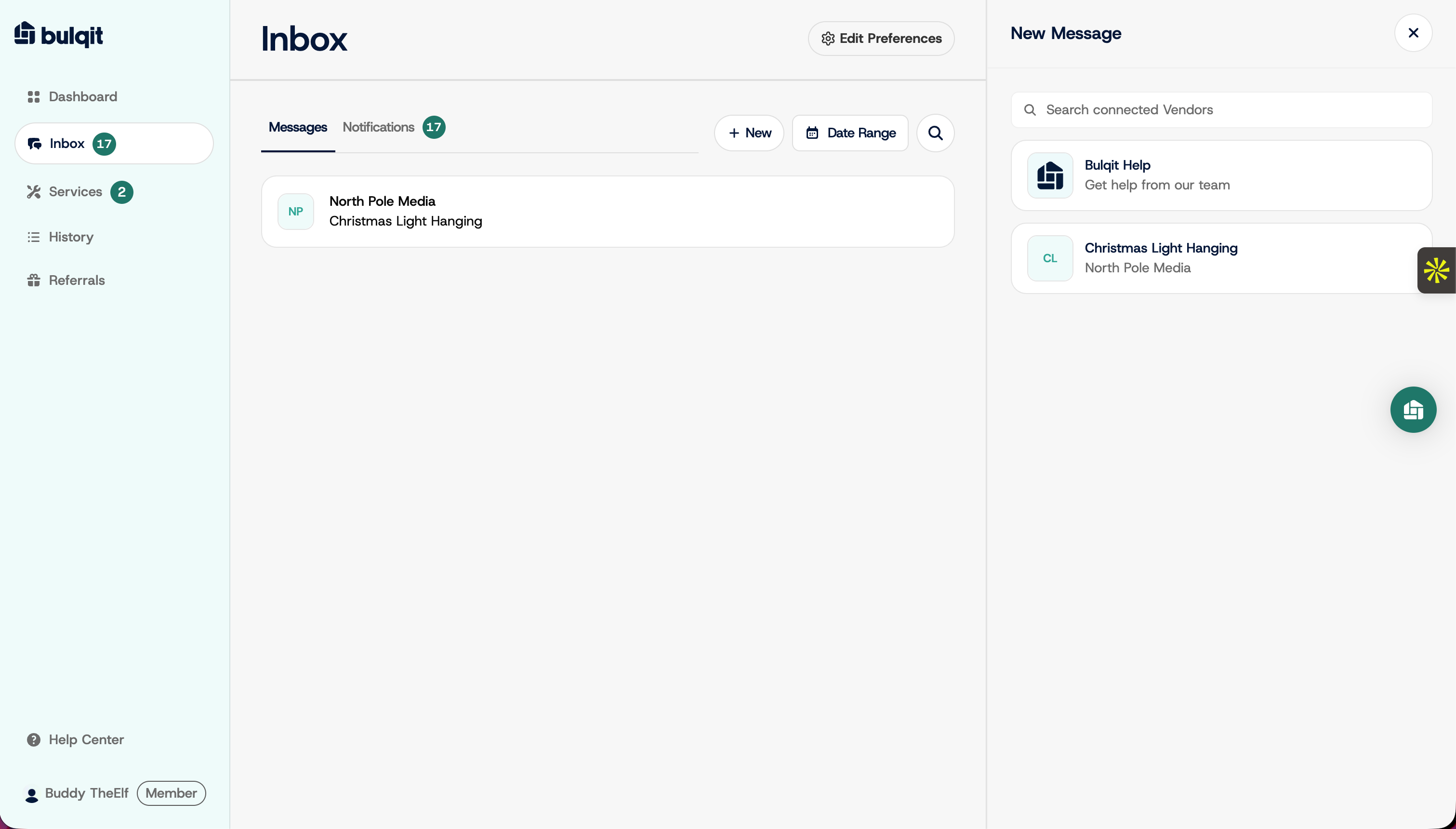
Services : Ask a Vendor for a Proposal
Edited
You're just making the ask here. Your Vendor replies with a formal proposal you can review and accept, and you're only committed once you accept it.
Step 1 — Go to your Inbox
From your dashboard, click Inbox in the sidebar. This flow starts here, not from the Services tab.
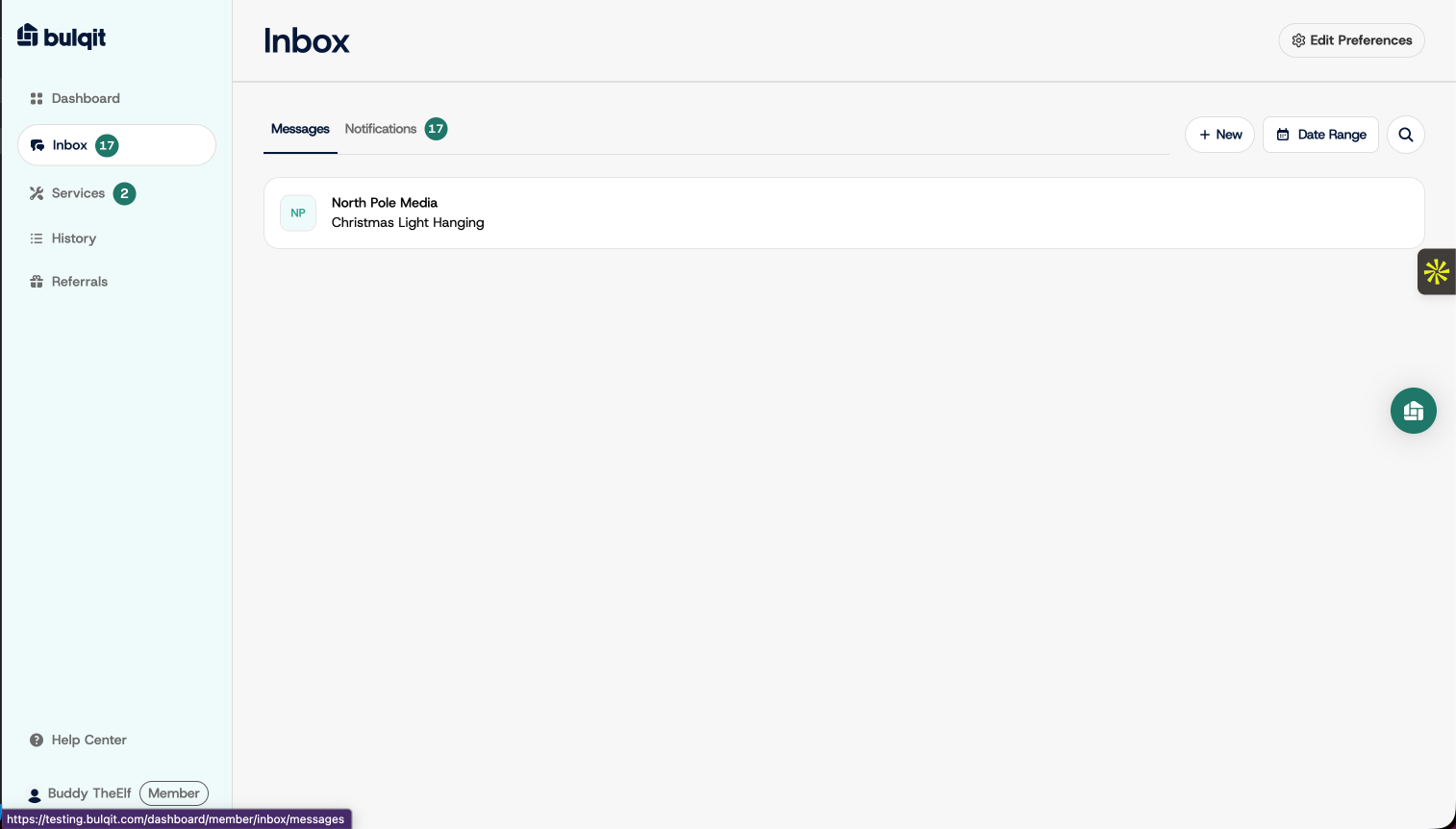
Step 2 — Start a new thread
Click New to open a new message.
Step 3 — Select your vendor
Pick the Vendor you want a quote from. Only Vendors currently serving your Block appear here.
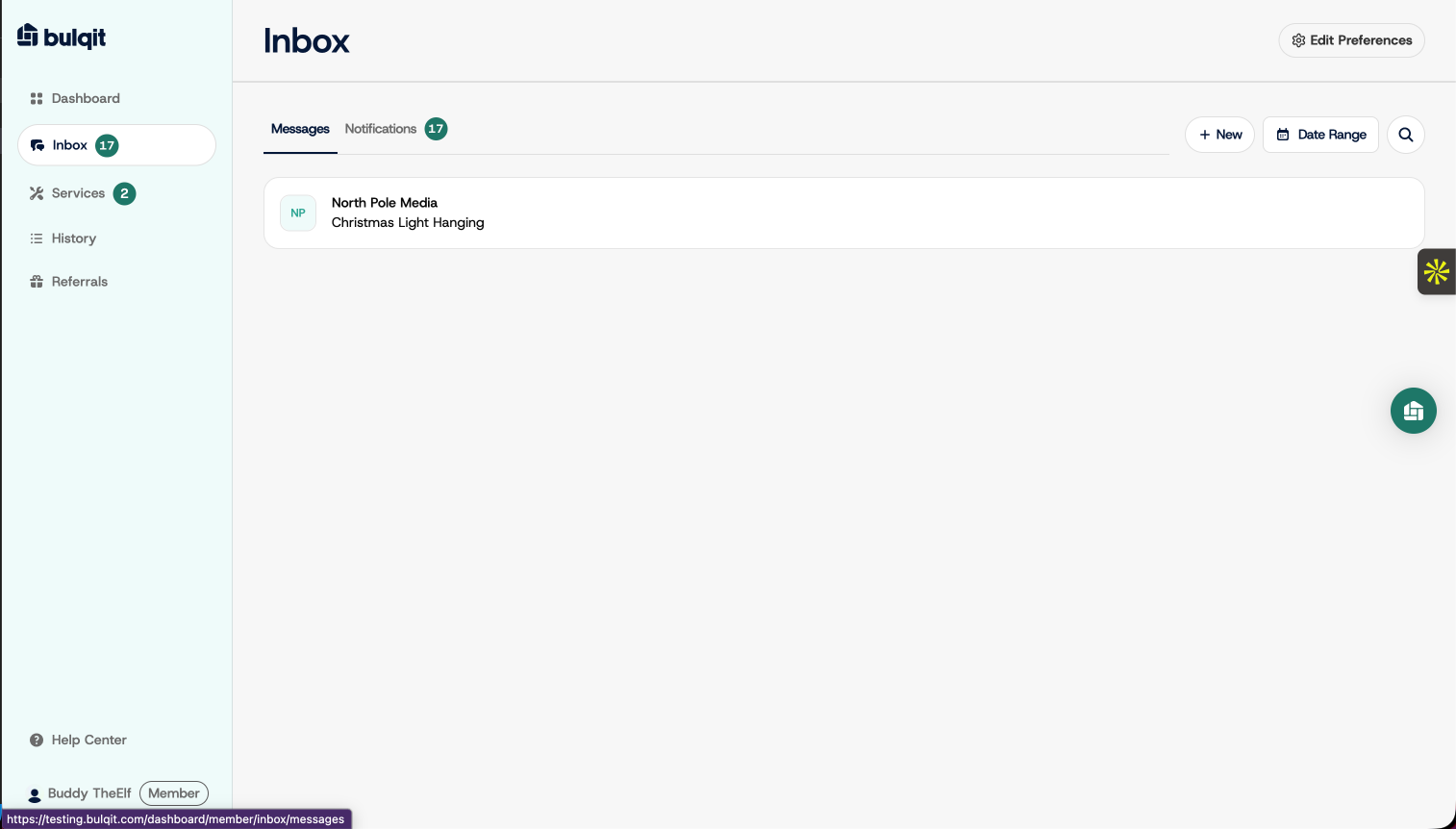
Step 4 — Write and send your request
Describe what you need and send. The more specific you are about scope, size, and timing, the more accurate the quote will be. Photos help, and you can attach them to the message.
Your Vendor typically responds within 24 hours. When the proposal arrives, it appears as a card right in this thread.