Services : Skip a Future Service
Here's how to skip a single upcoming visit without canceling the service. Skipped visits aren't charged, there's no limit on how many you can skip, and you can undo a skip up to 24 hours before the visit was due.
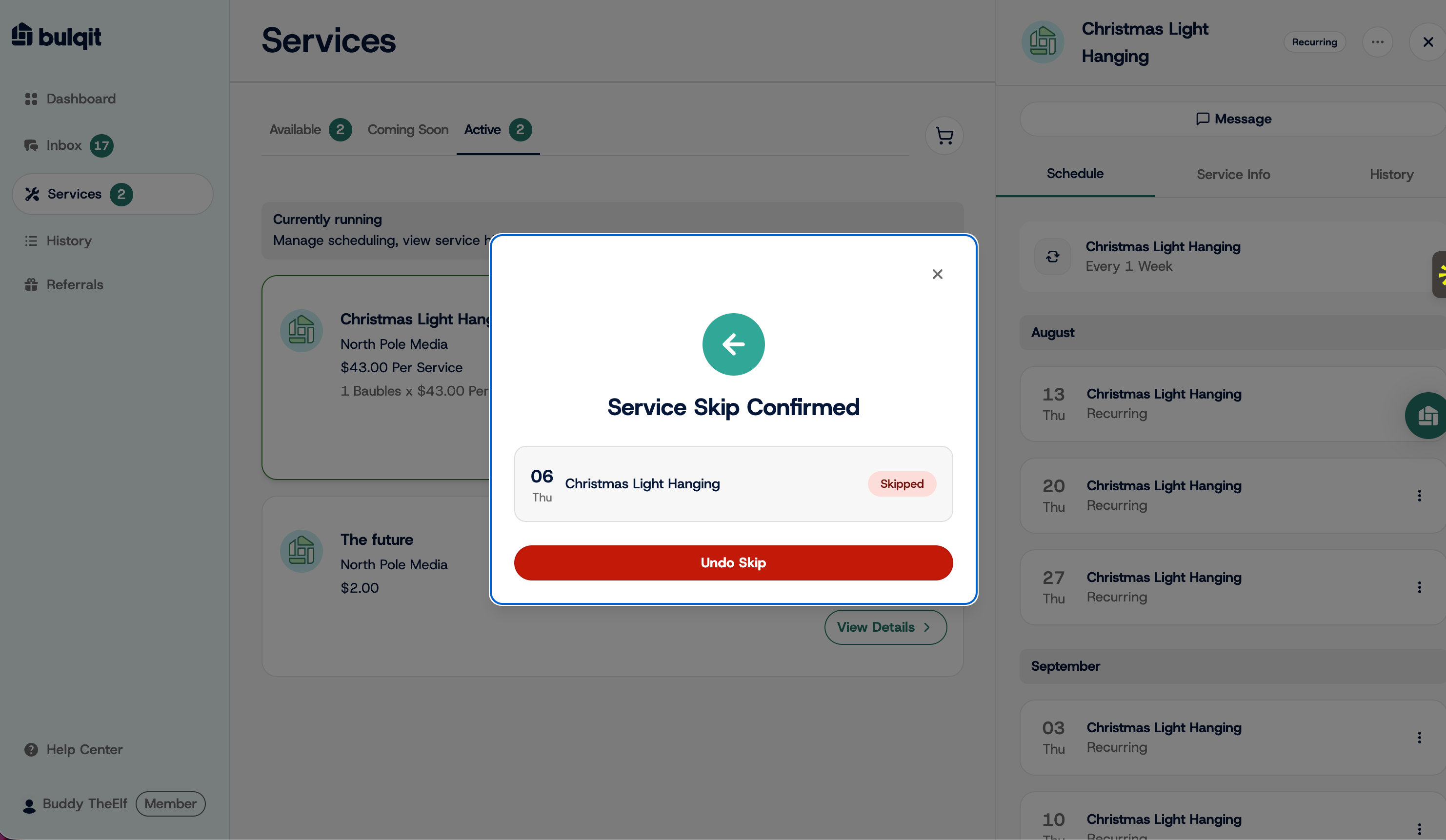
Step 1 — Navigate to your Member Dashboard and open Services
Click Services in the sidebar, then select the Active tab to see your current subscriptions.
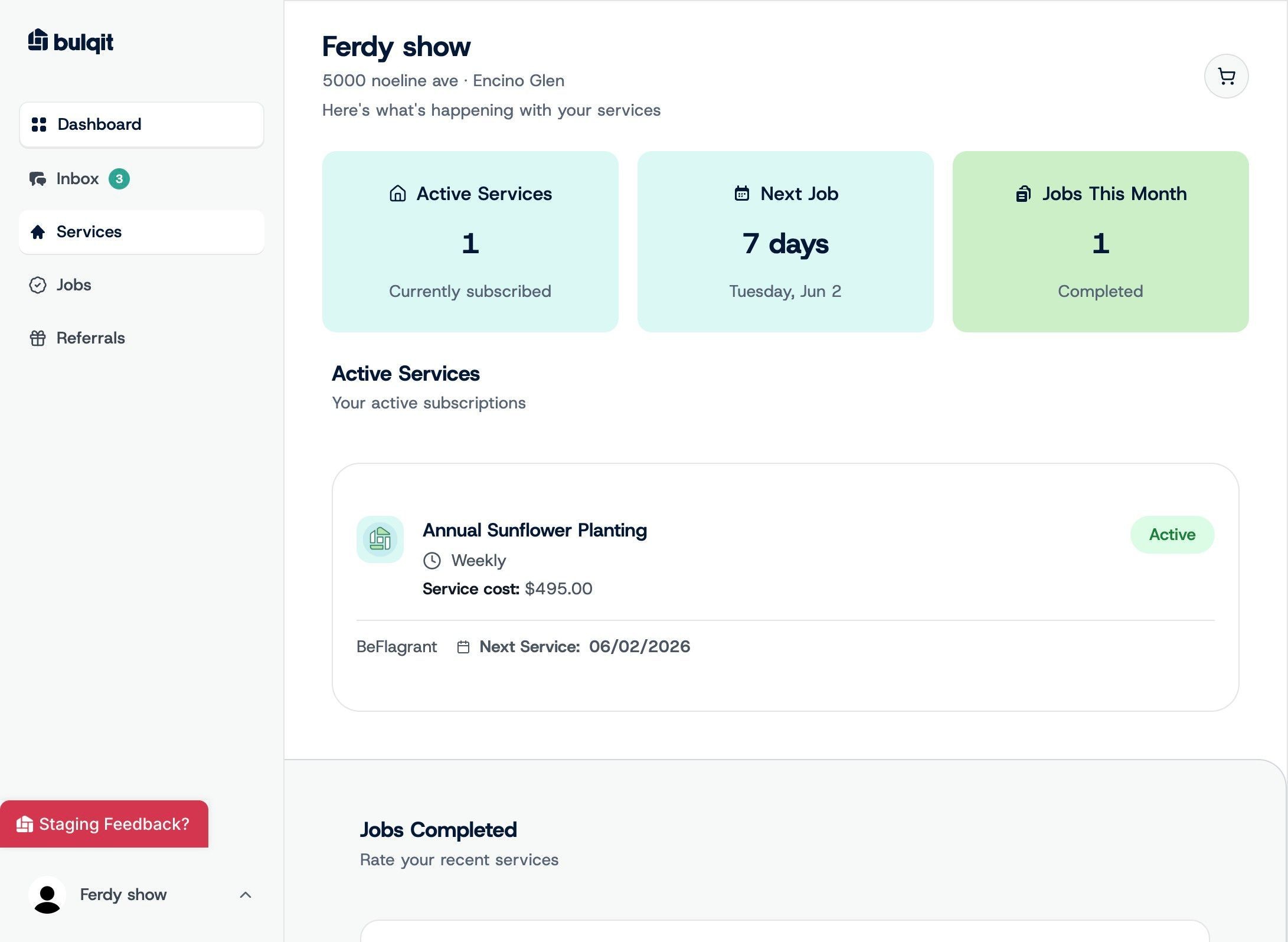
Step 2 — Open the service you want to skip
Click the service. This opens the detail view, where your upcoming visits are listed.
Step 3 — Open the overflow menu and skip
Click the three-dot menu on the visit you want to skip, then select Skip Service.
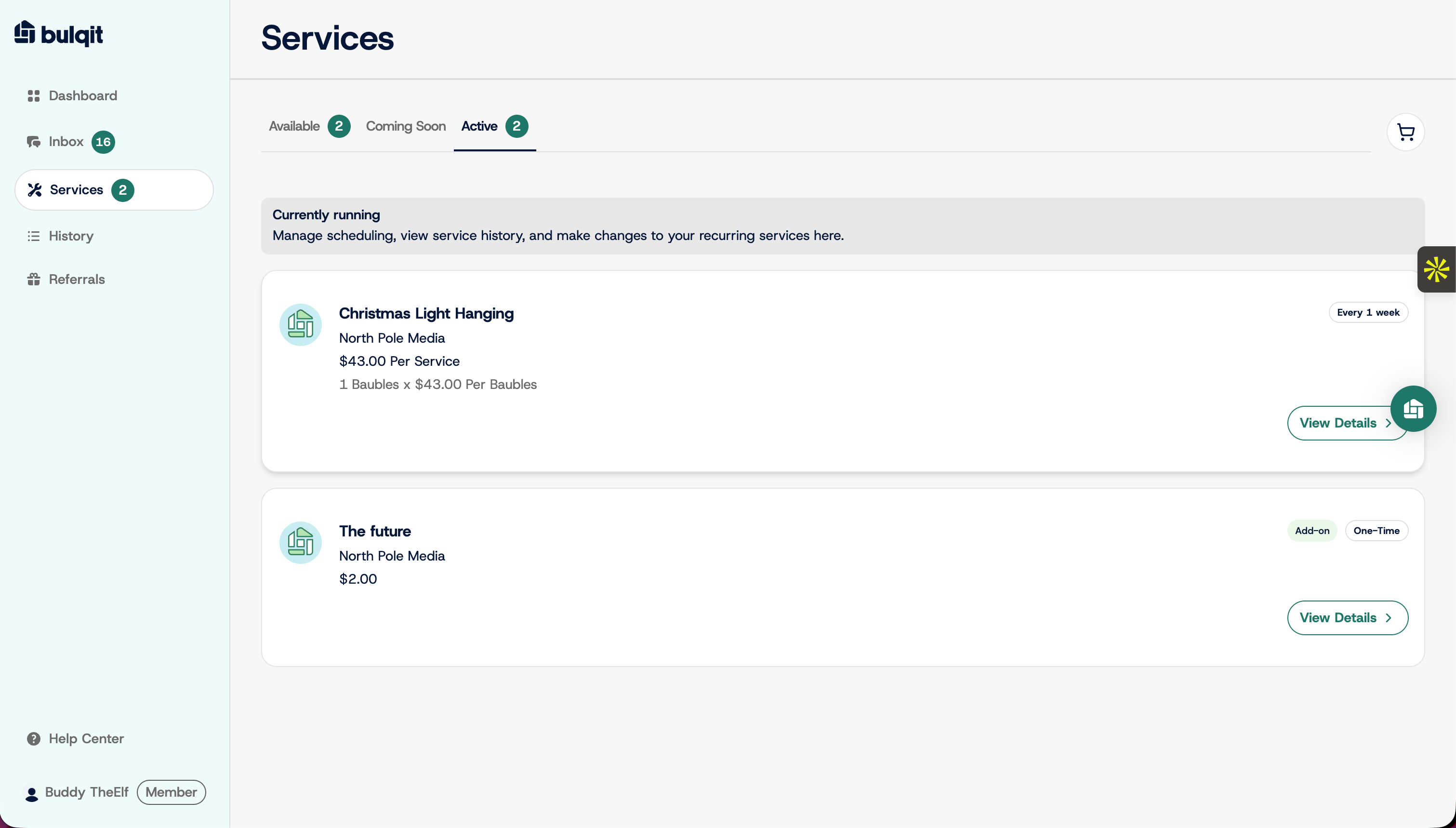
Step 4 — Enter a reason and confirm the skip
Type a short reason in the "Enter your reason for skipping" field, then click Skip Service. Your Vendor sees this reason, so a quick note like "out of town" is plenty.
The visit comes off your schedule and you aren't charged for it. Your service continues as normal at the next scheduled date.
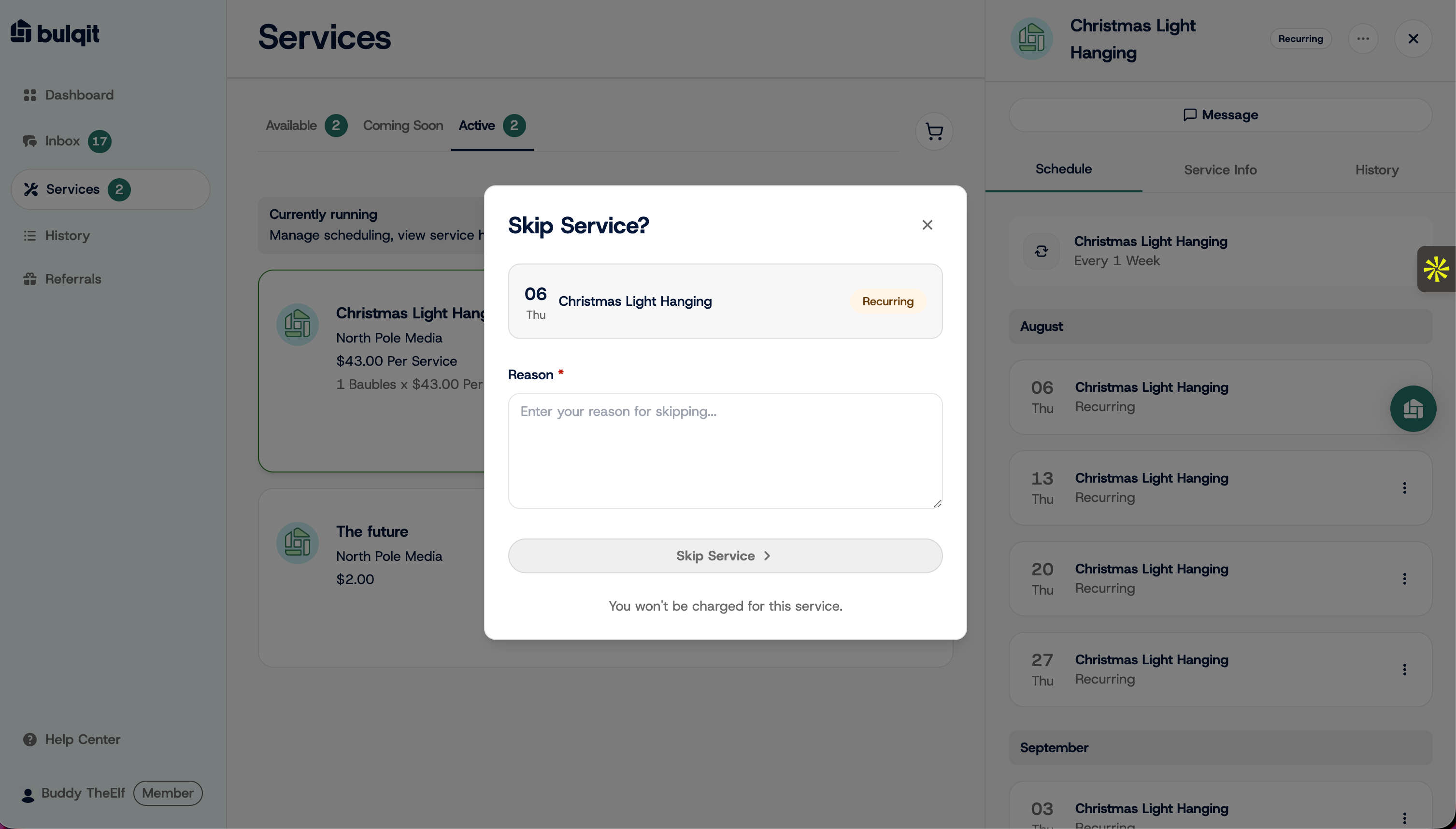
Step 5 — Confirm the skip is applied
You'll see a confirmation with an Undo Skip button. That button stays available until 24 hours before the original visit date, so you can change your mind. Your Vendor is notified either way.
If you need to stop a service altogether rather than skip one visit, see Cancel a Service.