
Services : Register for Available Service
Here's how to sign up for a service that's available in your Block. What you see depends on which services are active in your Block and whether a Vendor has been contracted to deliver them.
Step 1 — Navigate to Services
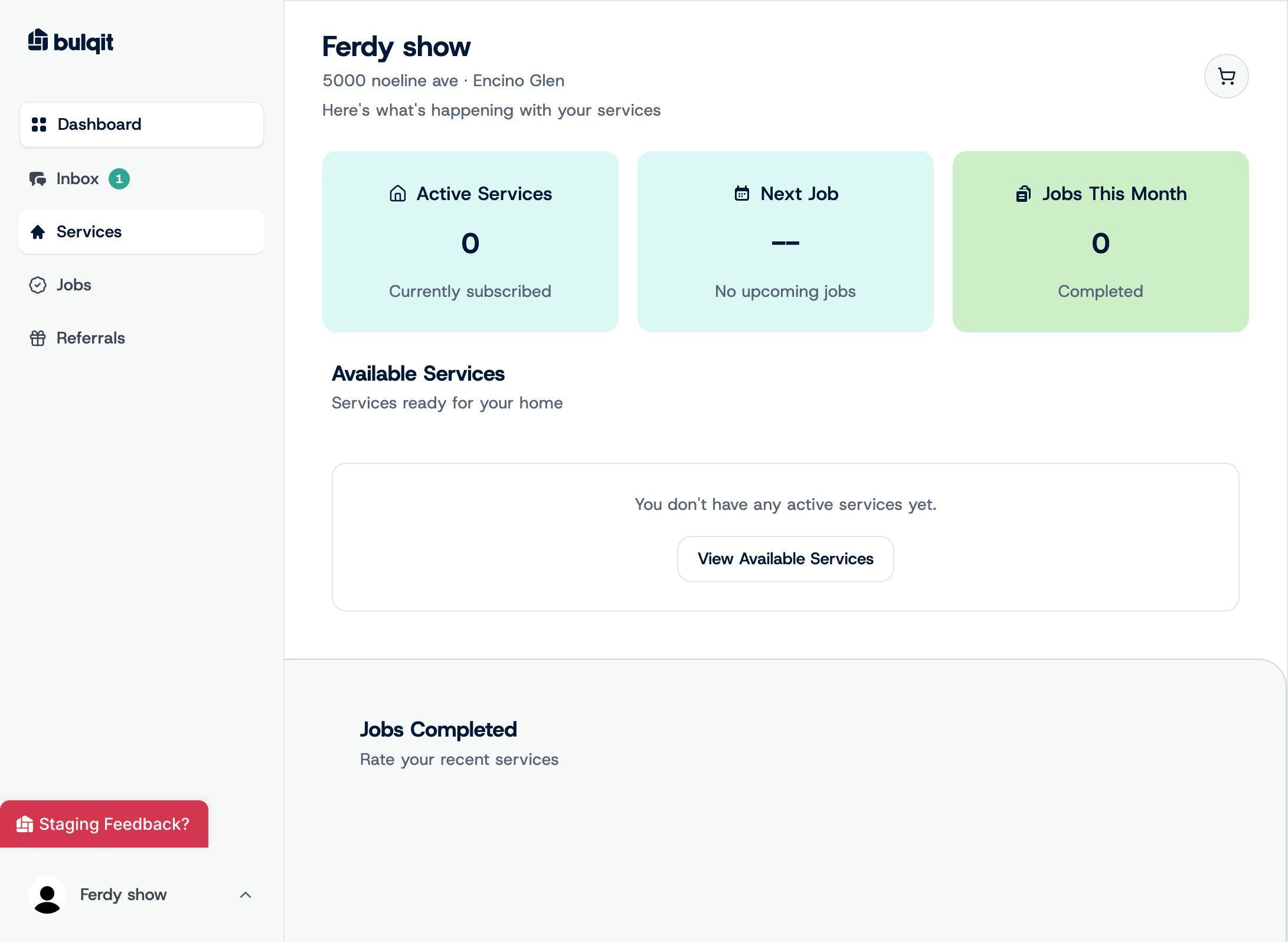
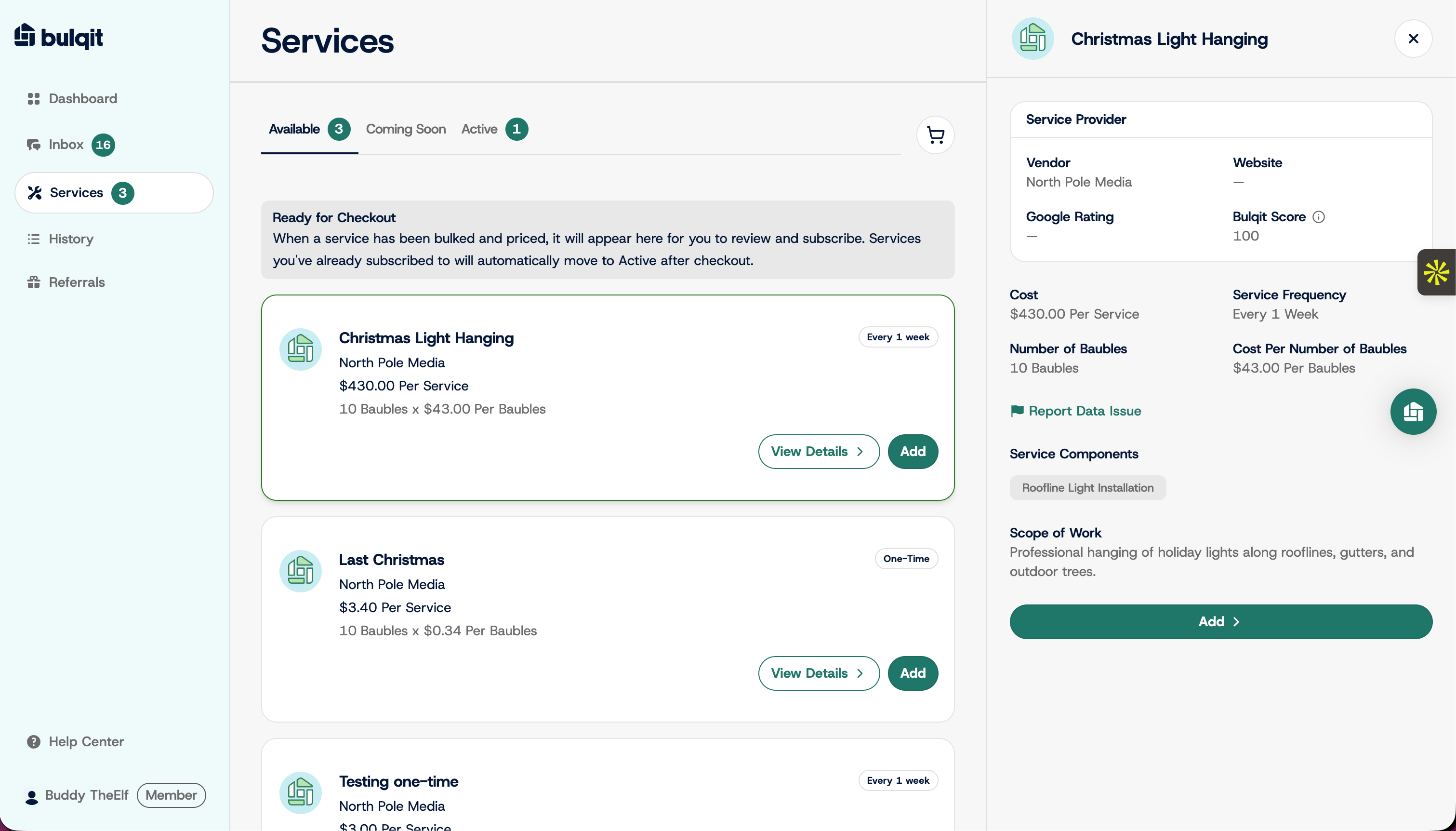
From your dashboard, click Services in the sidebar. Everything currently available to you is listed here with your price.
Step 2 — Add to Cart and Proceed to Checkout
Click Add on the service you want, then Proceed to Checkout. You can add more than one service before checking out.
Step 3 — Customize Your Service
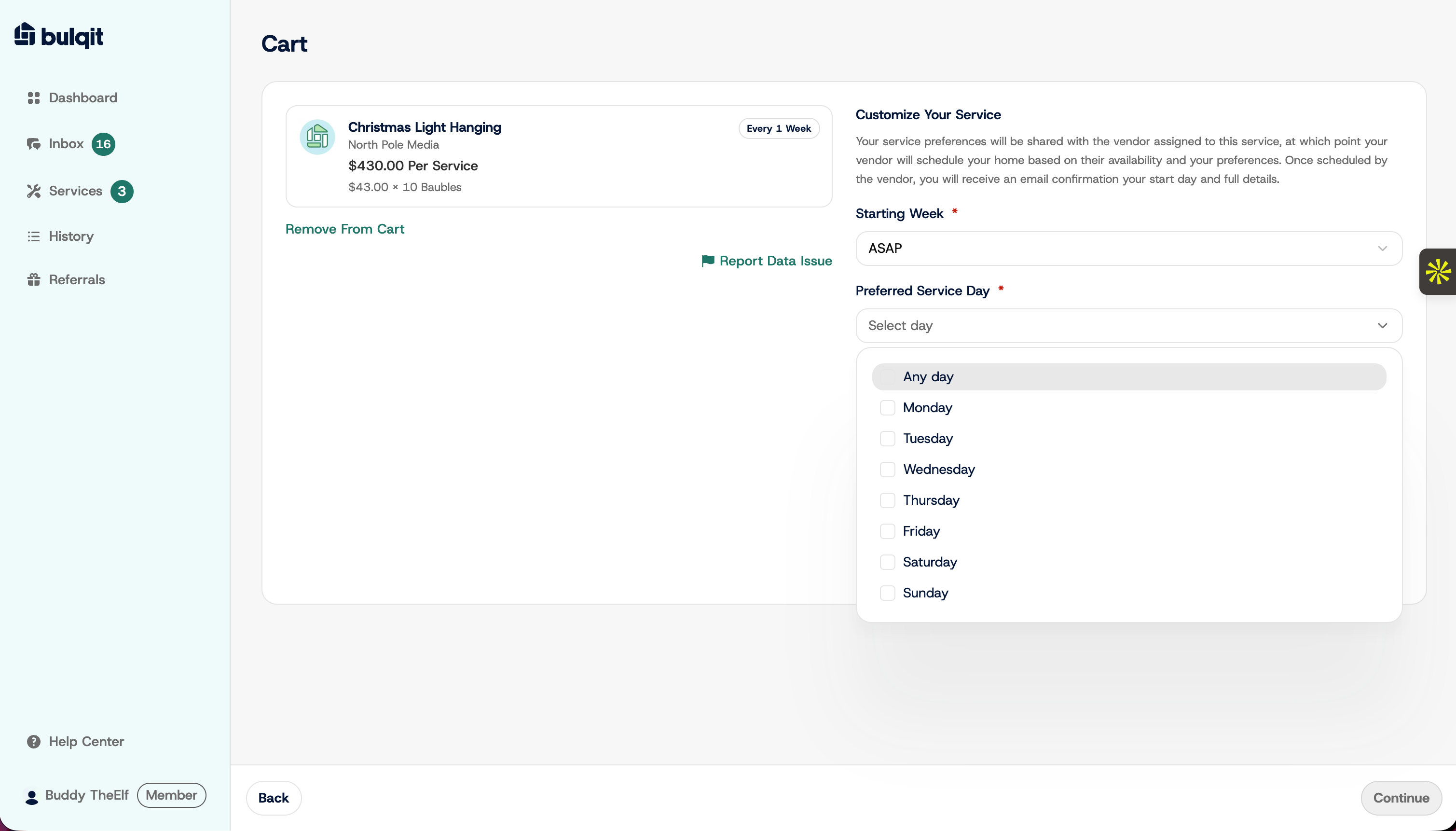
On the Customize Your Service page, choose a Starting Week and a Preferred Service Day. Starting Week defaults to ASAP.
Your preferred day is a recommendation to your Vendor, not a guarantee. Vendors route by neighborhood to keep pricing down, so your actual service day may differ.
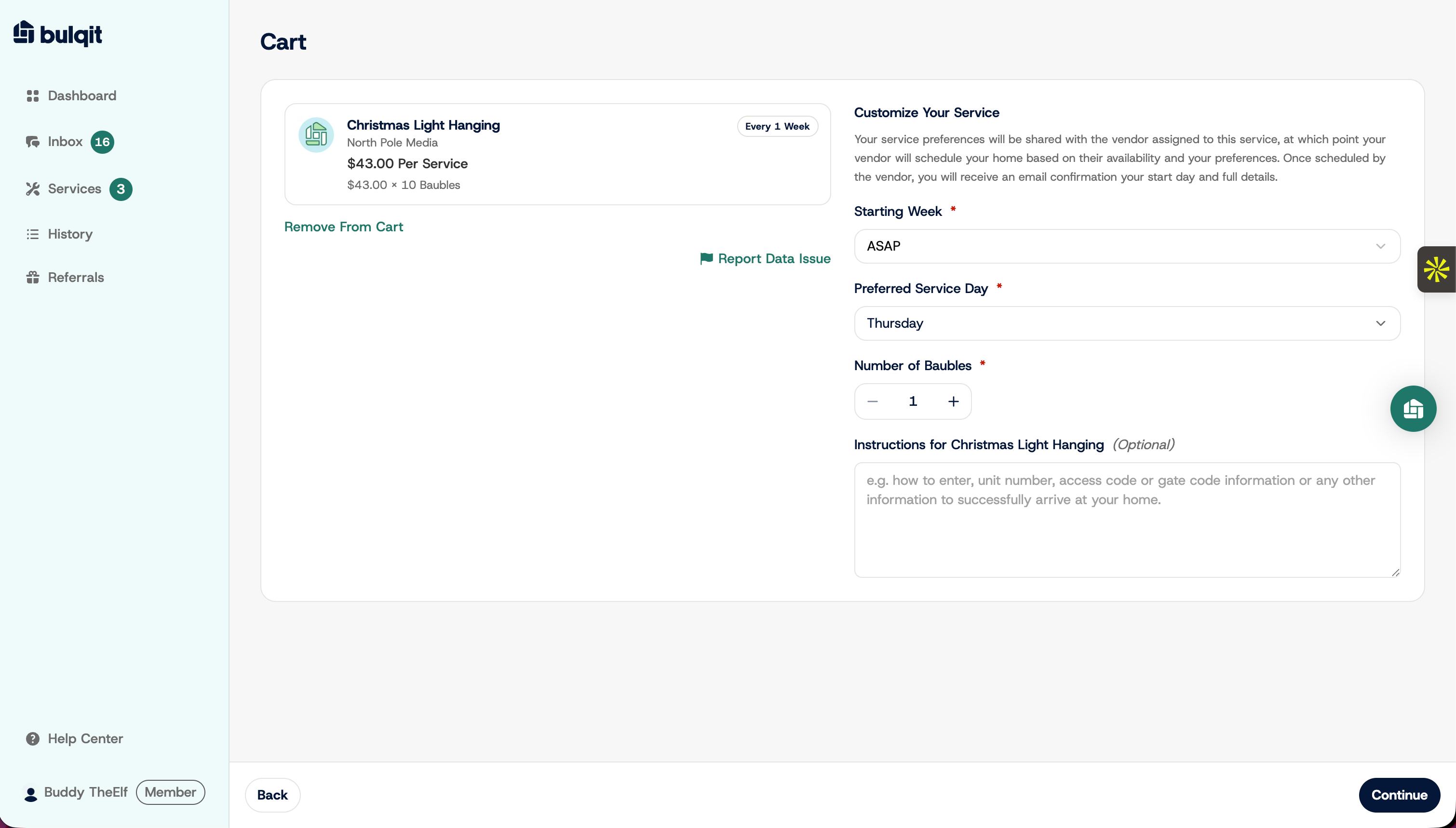
Number of Homes is shown for reference and can't be edited.
Use the Instructions field to leave notes for your Vendor, such as gate codes, parking, or where the equipment is kept. You can update these anytime from Settings.
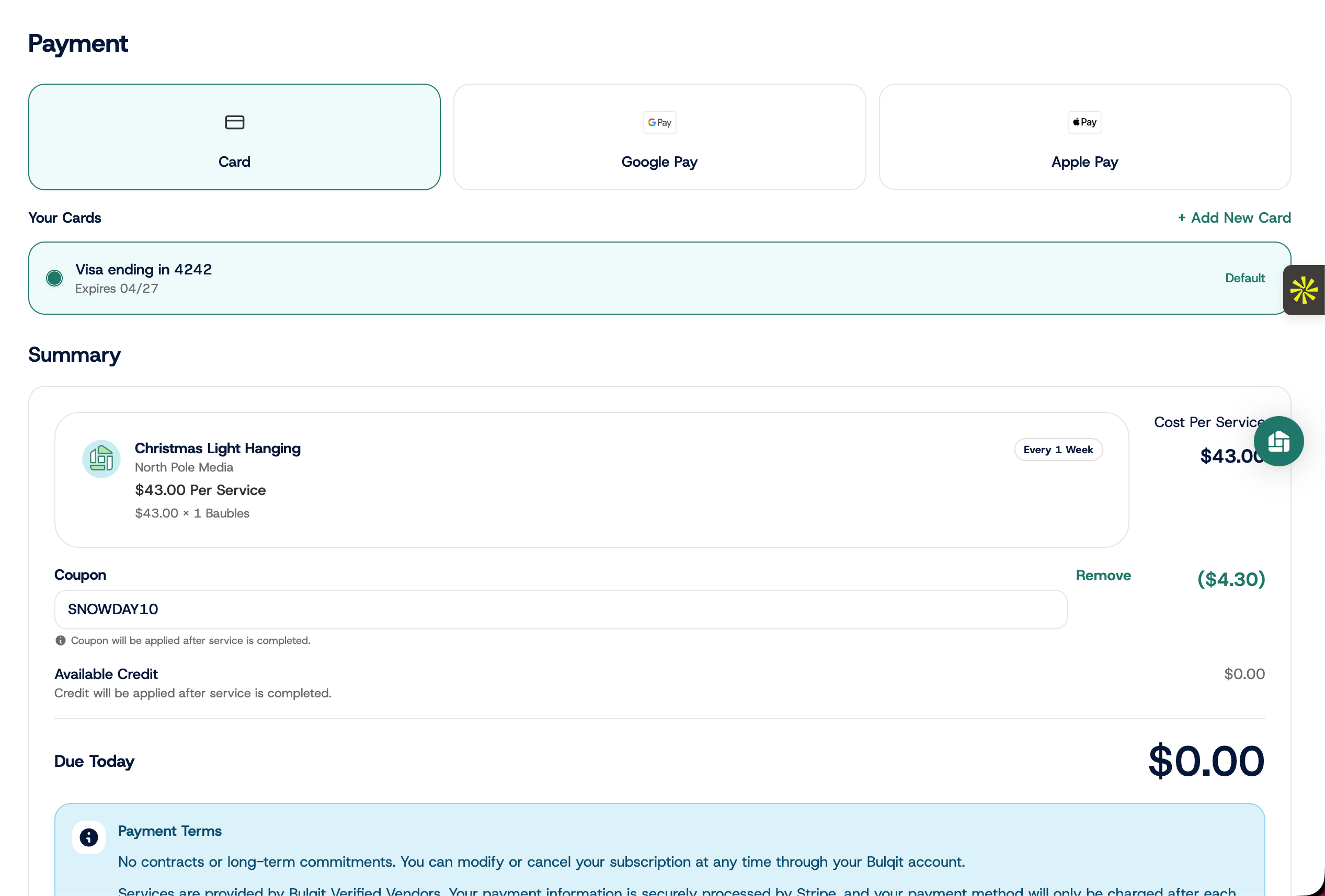
Step 4 — Review Pricing and Confirm Payment
The summary shows your Bulked Rate, which is your price for this service based on your Block and property details, along with the card on file. Review both, then confirm.
You aren't charged now. Billing happens after each visit is completed.
Step 5 — Return to Dashboard
Click Continue To Dashboard. Your request has gone to your Vendor's schedule and they typically confirm within 24 to 48 hours.
The service appears under Active Services right away, but your first visit isn't scheduled until your Vendor confirms. You'll be notified as soon as it is.